How to Unlock Huawei E5372s MiFi from Surfline, MTN, Airtel & More (2026 Guide)
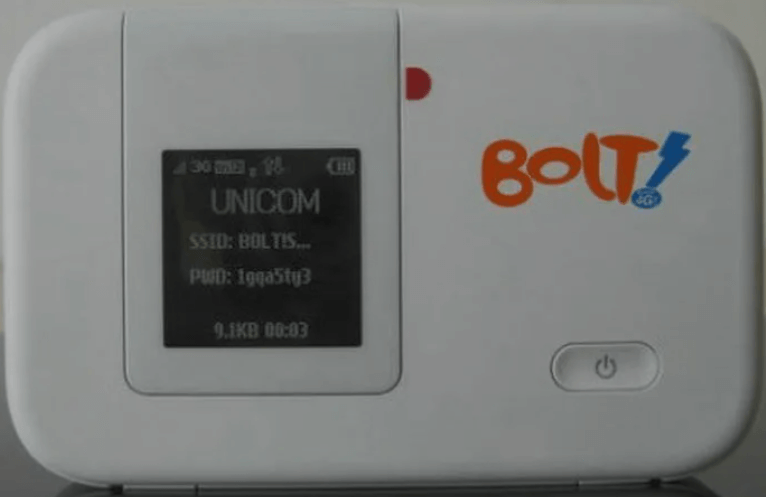
The Huawei E5372s is a 4G LTE Cat 4 MiFi hotspot that was one of the first portable routers to support 150 Mbps download speeds. It features an OLED status display, microSD slot for file sharing, and a 1,780 mAh removable battery. The E5372s was widely distributed by Surfline (Ghana), MTN, Airtel, Vodafone, Telstra, and Orange.
Table of Contents
Depending on firmware version, it requires a V4 (8-digit) or V5 (16-digit) unlock code.
Key Specifications
| Spec | Details |
|---|---|
| Network | 4G LTE Cat 4 (150 Mbps down / 50 Mbps up) |
| Fallback | DC-HSPA+ 42 Mbps, UMTS, GSM |
| Wi-Fi | 802.11b/g/n (2.4 GHz), up to 10 devices |
| Battery | 1,780 mAh (removable), ~5 hours use |
| Display | OLED status display (signal, battery, data usage) |
| Storage | microSD card slot (up to 32 GB) |
| Antenna | 2x TS-9 external antenna ports |
How to Unlock
Find Your IMEI
- Power on and connect via WiFi
- Go to 192.168.8.1, log in with admin / admin
- Copy the 15-digit IMEI from Device Information
Determine Code Version and Purchase
- Insert a foreign SIM — check if it asks for 8 or 16 digits
- 8-digit → V4 Code | 16-digit → V5 Code
- Enter IMEI and email, complete payment
- Enter the code when prompted — permanently unlocked
Frequently Asked Questions
My Surfline E5372s is locked — can you unlock it?
Yes. Surfline Ghana is one of the most common carriers we unlock E5372s devices from. 100% success rate.
What is the OLED display for?
The E5372s has a small OLED screen on the front that shows signal strength, battery level, number of connected devices, and data usage — without needing to open a browser.
Can I use external antennas?
Yes. The E5372s has 2x TS-9 antenna ports for boosting signal in weak coverage areas.
Is the unlock permanent?
Yes. Permanent through firmware updates and factory resets.
Additional Huawei Sub-Models We Now Support
The Huawei E5372 MiFi models below were recently added to our supported devices list. The unlock procedure is identical to the one described above — submit the IMEI, pay, and receive the unlock code by email within the stated delivery window.
- E5372s-32 — 4G LTE Cat4 pocket MiFi
- E5372Ts-32 — 4G LTE Cat4 MiFi (TS revision)
- E5372Ts-601 — 4G LTE Cat4 MiFi (carrier 601 variant)
If your exact model isn’t listed, run a free IMEI check first — our database is updated weekly and many newer variants are supported even if they aren’t named yet.
Watch: E5372s Unlock
Get Your MiFi Unlocked Today
Contact us — we are available 24/7.