Will Network Unlocking Erase My Data? Phone, Router, MiFi (2026 Guide)
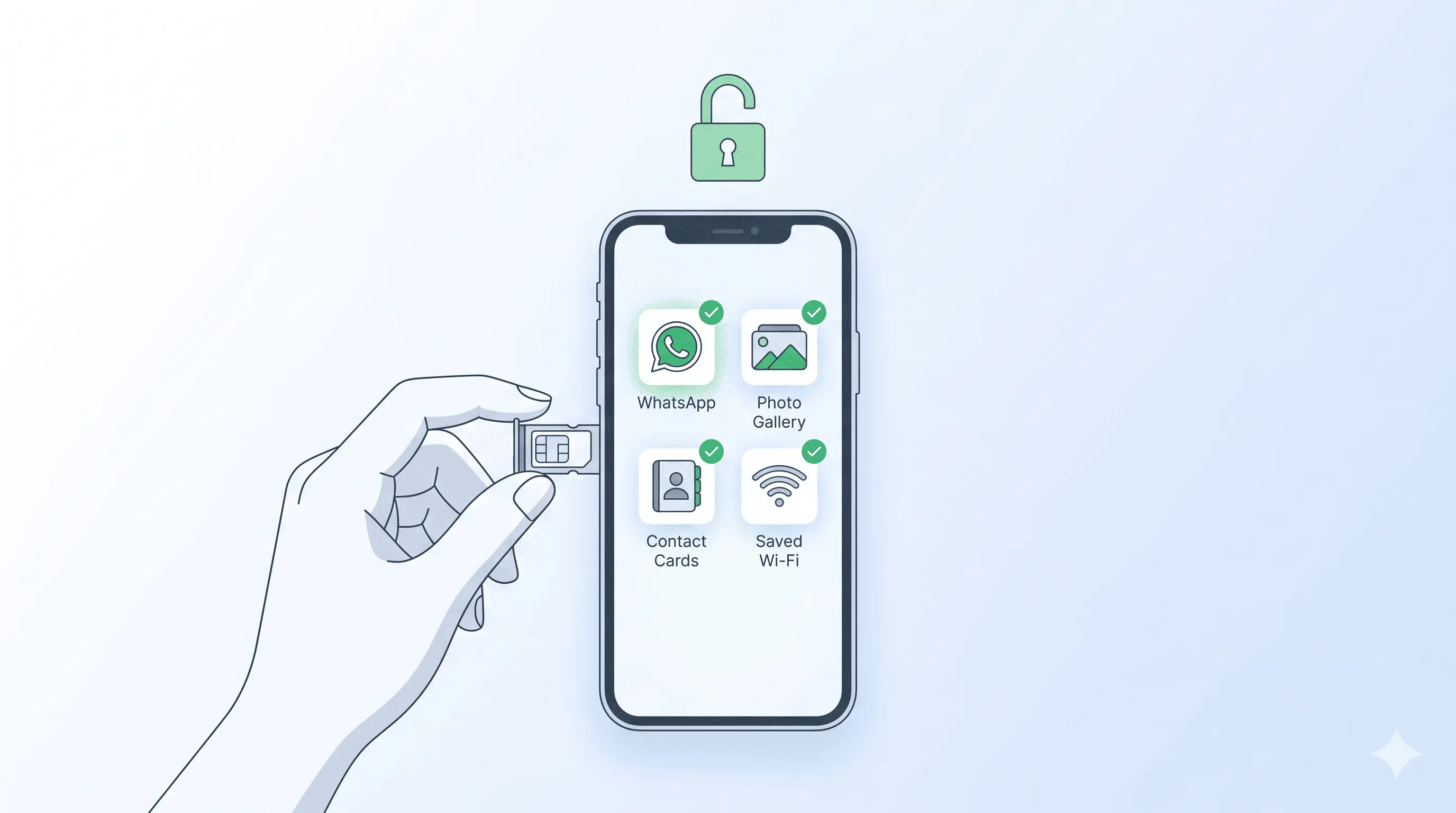
You’re about to unlock your Samsung, iPhone, Huawei, ZTE, Tecno, Infinix, Xiaomi, or Oppo phone — or a Huawei B-series CPE, ZTE MiFi, or Inseego JetPack — and you’re hesitating because every forum thread you’ve read says you might lose your photos, contacts, WhatsApp chats, or saved Wi-Fi networks. Here’s the honest answer based on how the unlock actually works.
Table of Contents
Short answer: no, network unlocking does not erase your data
A network unlock changes a single setting in your device’s baseband — the modem chip that decides which carriers it talks to. It doesn’t touch your user partition, internal storage, SD card, cloud backups, or anything you can see in Settings. Your photos stay. Your apps stay. Your WhatsApp history stays. Your saved Wi-Fi networks stay. Your router admin password stays.
This holds for all the device categories we work on: Samsung, iPhone, Huawei, ZTE, Tecno, Infinix, Itel, Xiaomi, Oppo, TCL, Alcatel, Google Pixel phones — plus Huawei, ZTE, ZLT, Inseego, Netgear, and Alcatel routers and MiFis.
Why so many people think it does
Three reasons this myth keeps spreading:
- Forum posts that conflate unlocking with rooting. Rooting an Android phone or jailbreaking an iPhone *can* trigger data loss because it modifies system partitions. Network unlocking is a separate operation — completely different mechanism, completely different risk profile. We don’t root, jailbreak, or flash custom firmware. We pull the official NCK code from the OEM database and you enter it once.
- Old advice for older devices. Pre-2015 Samsungs and a handful of early Huawei modems would sometimes reset SIM-related settings (preferred networks, MMS APN) when an unlock code was entered the third or fourth time. That class of issue is gone on every device sold since.
- Confusion with factory reset. Some carrier-locked devices show a generic “unlock failed” message after too many wrong attempts and prompt for a factory reset to clear the counter. That’s the failed-attempt counter, not the unlock itself. We give you the right code on the first attempt, so this never triggers.
When could data be at risk?
Two narrow scenarios, both avoidable:
- You enter the wrong code repeatedly. Most phones lock the unlock prompt after 3 to 10 wrong attempts. On a few Samsung and Huawei models, recovering from the hardlock state needs a factory reset via Smart Switch or HiSuite — which does erase data. This is why we generate the code from your specific IMEI rather than guessing.
- You’re flashing custom firmware “to unlock” instead of using a code. This is not unlocking — it’s a firmware swap, and it absolutely erases user data. We don’t do this and we’ll tell you to back up first if you’re attempting it elsewhere.
How to back up before unlocking (optional belt-and-braces)
You don’t need to back up to unlock safely. But if you want zero risk, three minutes of prep:
- Phones: turn on cloud backup. Android: *Settings → Google → Backup → Back up now*. iPhone: *Settings → [your name] → iCloud → iCloud Backup → Back Up Now*.
- Routers and MiFis: in the admin interface (Huawei
192.168.8.1, ZTE192.168.0.1), go to *Settings → Backup* and download the.cfgfile to your computer. Saved Wi-Fi name, password, and APN settings persist through unlock anyway, but this is the safety net. - WhatsApp specifically: open *Settings → Chats → Chat Backup → Back Up Now*. WhatsApp chats live in a separate cloud bucket from your phone’s main backup.
Backup is optional. Unlock is non-destructive whether you back up or not.
FAQ
Will I lose my WhatsApp chats after unlocking?
No. WhatsApp data is tied to your phone number and your local app storage, not to the carrier lock. After unlocking, swap your SIM and open WhatsApp — all chats, media, and settings load exactly as before. If you change phone numbers at the same time (different SIM, different number), follow WhatsApp’s *Change Number* flow to migrate the chat history.
Do I need to factory reset my phone or router after unlocking?
No. The NCK code is entered while the device is running normally — no reset, no recovery mode, no boot loader. The device asks for the code, you paste it, the carrier-lock flag flips, you’re done. Reset only enters the picture if you ignored our instructions and entered wrong codes 10+ times.
Will the unlock survive a future factory reset?
Yes. The unlock lives in the baseband, which sits below the user-data layer. Factory reset, firmware update, switching SIM cards repeatedly, even a battery swap — none of it re-locks the device. Once unlocked, permanently unlocked.
Get your device unlocked safely
Contact us — we are available 24/7. We send the NCK code straight from the OEM database for your specific IMEI, within 24 to 72 hours. Refunds are automatic if no code can be sourced.