How to Unlock TCL LinkZone & LinkHub 5G Routers with Unlock Code (2026 Guide)
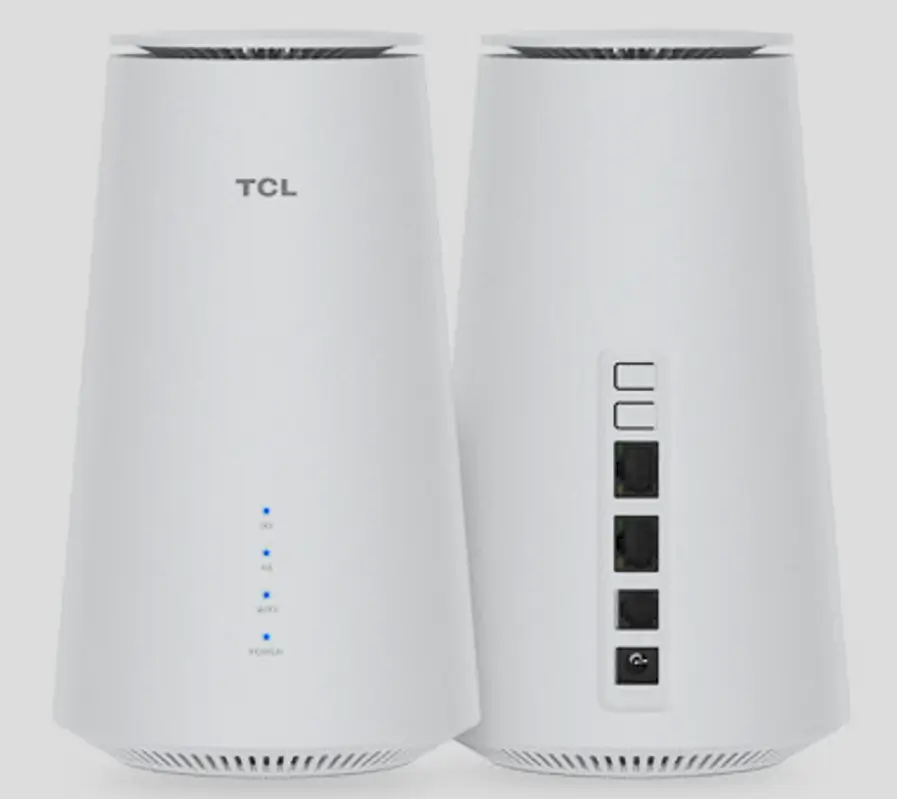
TCL has rapidly expanded its 5G router lineup with the LinkHub (indoor CPE) and LinkZone (portable MiFi) series, offering multi-gigabit speeds powered by Qualcomm Snapdragon chipsets. Models like the HH500e, HH512, HH515, and MW513 are deployed by carriers including Orange, Vodafone, Telkom, MTN, Three, and EE.
Table of Contents
These devices ship carrier-locked and require an 8 to 16-digit unlock code (depending on model) to remove the SIM restriction. This guide covers the complete unlock process for all TCL 5G routers.
Supported TCL 5G Models
TCL LinkHub (Indoor CPE Routers)
| Model | Chipset | Wi-Fi | Max Speed | Max Devices |
|---|---|---|---|---|
| HH500e | Qualcomm X55 | Wi-Fi 6 | 2.8 Gbps | 128 |
| HH132 | Qualcomm X55 | Wi-Fi 6 | 2.8 Gbps | 64 |
| HH512 / HH512L | Qualcomm X62 | Wi-Fi 6E | 3.6 Gbps | 128 |
| HH515 / HH515V / HH515L | Qualcomm X62 | Wi-Fi 6E | 4.67 Gbps | 256 |
| IK512 | Qualcomm | Wi-Fi 6 | 2.8 Gbps | 64 |
TCL LinkZone (Portable 5G MiFi)
| Model | Type | Wi-Fi | Max Speed | Battery |
|---|---|---|---|---|
| MW513 | Portable MiFi | Wi-Fi 6E | 4.11 Gbps | 12-hour battery life |
Why Unlock Your TCL 5G Router?
- Use any 5G/4G SIM card — switch carriers for better speed, coverage, or pricing
- Travel internationally — insert local SIM cards instead of paying roaming fees
- Increase resale value — unlocked 5G routers sell for significantly more
- No contract lock-in — use the device freely after your carrier agreement ends
How to Unlock Your TCL 5G Router
Find Your IMEI Number
- Connect to your TCL router via Wi-Fi or LAN cable
- Open a browser and go to 192.168.1.1 (or 192.168.0.1)
- Log in with the default credentials (printed on the router label)
- Navigate to Status or Device Information
- Copy the 15-digit IMEI number
Purchase Your Unlock Code
- Go to our TCL 16-Digit Unlock Code page
- Enter your IMEI number and email address
- Complete the payment — your unlock code will be delivered to your email
Insert a New SIM Card
- Power off the router
- Remove the original SIM and insert a SIM from a different carrier
- Power the router back on
Enter the Unlock Code
- Open a browser and go to the router’s web interface (192.168.1.1)
- The router will detect the new SIM and display an unlock code prompt
- Enter the 16-digit code you received and click Submit
- Your router is now permanently unlocked
Configure APN Settings (If Needed)
If the router does not connect to the new network automatically:
- Go to Network Settings > APN Configuration in the web interface
- Add your new carrier’s APN details
- Save and restart the router
Compatible Carriers
Our unlock codes work for TCL 5G routers locked to any carrier worldwide:
| Region | Carriers |
|---|---|
| Europe | Orange, Vodafone, Three, EE, O2, Swisscom, A1, Deutsche Telekom |
| Africa | MTN, Telkom, Airtel, Safaricom, Glo, Orange |
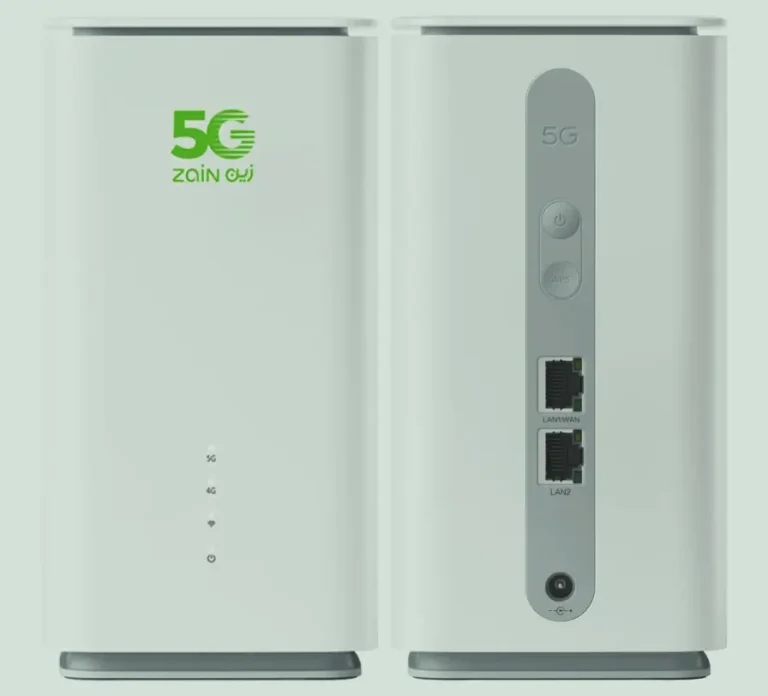
| Middle East | Zain, STC, du, Etisalat, Ooredoo |
| Asia Pacific | Telstra, Optus, Globe, Smart |
Frequently Asked Questions
Is the code 8 digits or 16 digits?
Most TCL 5G routers use a 16-digit unlock code. Some older or carrier-specific models may use an 8-digit code. We will provide the correct format based on your IMEI.
Is the unlock permanent?
Yes. Once unlocked, your TCL router is permanently SIM-free. It works with any carrier even after firmware updates or factory resets.
Will my WiFi 6E speeds be affected?
No. Unlocking only removes the SIM carrier restriction. All device features including Wi-Fi 6E, 5G speeds, and connected device limits remain unchanged.
What if the unlock prompt does not appear?
Some TCL models require you to navigate to a specific settings page to enter the code. If the prompt does not appear automatically, contact us and we will guide you through the process or offer remote unlocking assistance.
Watch: TCL 5G Router Unlock Demonstration
Get Your TCL Router Unlocked Today
Contact us through any of the channels below — we are available 24/7.