























How to Pay With Binance Pay in Any Country (2026 Guide)
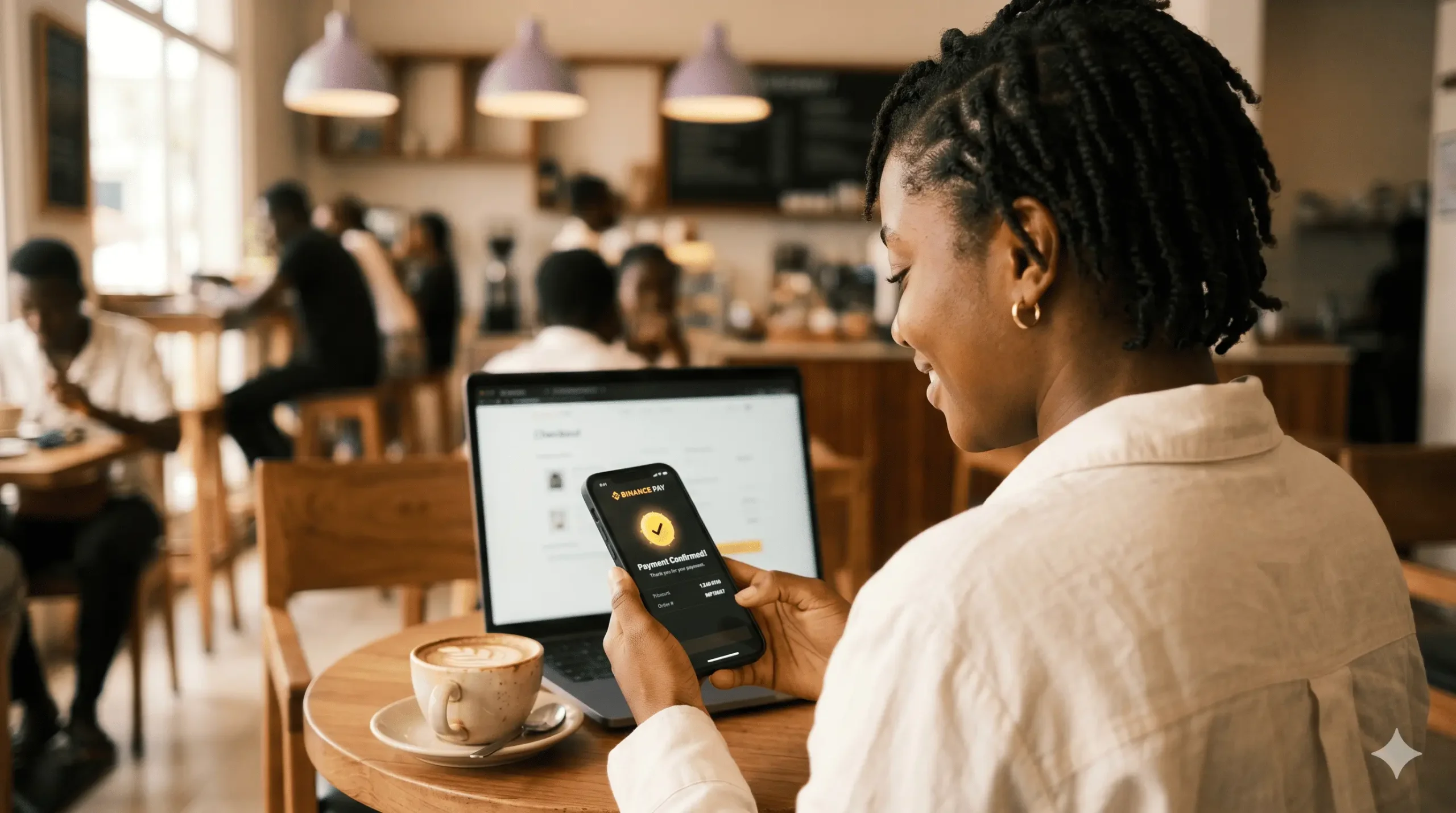
Binance Pay is Binance’s free merchant-payment rail — a way to pay any participating shop or service directly from your Binance wallet in cryptocurrency. Over 30 million people use it across 180+ countries. It sits alongside Apple Pay and PayPal as one of the largest non-card payment networks, with one difference that matters at checkout — there is no credit-card processor in the middle, so the fee is usually zero.
Table of Contents
If you are paying for your Tech Unlock Hub service with Binance Pay, here is the flow — create the Binance account, fund it via the method that works in your country, then pay your unlock fee on our checkout. Binance posts a server-to-server confirmation the moment your payment lands, so your order flips to Processing on its own. There is no card processor in the chain, which means no chargebacks and no foreign-transaction surcharges either.
Why pay with Binance Pay?
- Lowest checkout fee. Binance Pay charges 0% from both sides. Card payments cost us 3-4% and mobile money 1-2% — we pass that saving back through our unlock prices.
- Confirmation in seconds. Binance posts a verified webhook the instant the transfer settles. Card payments can sit pending for 30 minutes during bank outages.
- Works where international cards do not. Customers in West Africa, North Africa, parts of the Middle East and South Asia regularly hit cross-border card declines — Binance Pay sidesteps that entirely.
- Spare balance stays yours. Top up 50 USDT, pay a 35 USD unlock, the 15 USDT difference sits in your Binance wallet ready for the next order.
Supported Funding Methods
| Method | Best for | Speed & fee |
|---|---|---|
| P2P (peer-to-peer) | Almost every country — Ghana, Nigeria, Kenya, South Africa, India, EU, USA | 5-15 min first time, then 2-5 min. 0% Binance fee. |
| Bank transfer | Eurozone (SEPA), UK (Faster Payments), USA (ACH via Binance.US), India (IMPS) | Seconds to 1-3 business days. Usually free. |
| Credit / debit card | Anywhere card payments aren’t blocked locally — fastest route when you need to pay right now | 30 seconds. ~1.8-2% Binance fee. |
| Crypto deposit | You already hold USDT / BTC / BNB on another exchange or wallet | 1-10 confirmations. ~$0.50 on BEP20 / TRC20. |
How to Pay — Step by Step
- Create your Binance account. Sign up at accounts.binance.com or via the official Binance app (App Store / Google Play). Enable 2-Factor Authentication immediately. Complete identity verification (KYC) — upload your government-issued photo ID and complete the selfie / liveness check. Most accounts approve in 10 minutes.
- Fund your account using the method from the table above that matches your country — the country quick-pick below tells you which one. Once your USDT lands in Funding, move it to Spot wallet (Wallet → Transfer → From Funding, To Spot). Binance Pay only draws from Spot — this is the step most first-timers forget.
- Pay on our checkout page — click the 💎 Pay with Binance Pay button. That click opens Binance’s hosted payment page with your unlock amount and the merchant name Tech Unlock Hub already filled in.
- Confirm in the Binance app. On mobile, tap Pay with App and confirm with your Pay PIN or biometrics. On desktop, scan the QR code shown in your browser using the Binance app’s QR scanner.
- Receive your order confirmation by email — your order flips to Processing within seconds. Delivery then follows the same timeline as any other payment method.
Funding Method Details
P2P (peer-to-peer)
You buy USDT directly from another Binance user using your local payment method — MTN MoMo, M-Pesa, bank transfer, anything Binance lists for your currency. Binance holds the seller’s USDT in escrow until you confirm payment, then releases it automatically.
- In the Binance app, tap More → P2P Trading, or open p2p.binance.com.
- Buy tab → USDT → set your fiat currency → set the payment method that matches your bank or wallet app.
- Pick a seller with 500+ completed orders and a 95%+ completion rate. Both numbers sit under their name.
- Enter the USDT amount, click Buy USDT, send the seller the exact amount through the method shown, then tap Transferred, notify seller. Only tap it after the money has actually left your account.
- The seller confirms receipt and Binance auto-releases the USDT to your Funding wallet within seconds. Transfer it to Spot — Binance Pay only draws from Spot.
P2P safety: never click Release outside the order page, refuse any seller who asks you to chat off-platform (Telegram, WhatsApp), and always include the exact reference the seller specifies in your bank or MoMo transfer note. Missing reference is the #1 cause of release delays.
Bank transfer (Europe, UK, USA, parts of Asia)
- SEPA / SEPA Instant (EUR) — Eurozone. Free, lands in 10 seconds to 1 business day.
- Faster Payments (GBP) — UK. Free, lands in minutes.
- ACH (USD) — USA, via Binance.US. Free, lands in 1-3 business days.
- Local rails — Turkey, India, Australia and several more have native options. Set the fiat dropdown to your currency and Binance lists what works.
Wallet → Deposit → Fiat → pick currency → pick Bank Transfer → copy Binance’s IBAN and reference → send the transfer with that exact reference. Once the fiat lands, tap Convert and swap it to USDT.
Credit / debit card
Visa and Mastercard work directly inside Binance. Wallet → Deposit → Buy Crypto with Card → enter amount → pick USDT → confirm with your card’s 3-D Secure code. Your USDT lands in Spot within 30 seconds. Binance charges roughly 1.8-2%, and your bank may add a foreign-transaction fee on top.
Crypto deposit from another exchange or wallet
If you already hold USDT, BTC, or BNB on Coinbase, Kraken, Bybit, OKX, or a self-custody wallet, send it directly to your Binance deposit address. Wallet → Deposit → pick the coin → pick the network. Use BSC/BEP20 or Tron/TRC20 — both cost under $1. Avoid Ethereum/ERC20; gas fees can hit $10-$30.
Critical: the network on both sides must match. Sending TRC20 to a BEP20 address loses the coins permanently — there is no way to recover them. Send a small test amount first if you are unsure.
Country Quick-Pick
Pick your country, follow the matching method above.
| Country / Region | Recommended method | What to expect |
|---|---|---|
| 🇬🇭 Ghana | P2P with MTN Mobile Money | Zero fee. Filter sellers by MTN MoMo or Mobile Money (GHS). Vodafone Cash and AirtelTigo also work. Trades clear in under 5 minutes once you pay. |
| 🇳🇬 Nigeria | Buy USDT on Busha, Quidax or Yellow Card, then bridge to Binance via BEP20 | Binance suspended direct Naira services in February 2024 and the restriction remains in 2026. The cleanest workaround is to buy USDT on a Nigerian SEC-licensed exchange and bridge to Binance — under $1 in network fees. |
| 🇰🇪 Kenya | P2P with M-Pesa | East Africa’s deepest P2P market. Filter by M-Pesa, expect a 1-2% spread over the daily mid-market rate. |
| 🇿🇦 South Africa | P2P with Capitec, FNB or Standard Bank EFT | ZAR P2P is fast — bank transfers settle same-day. Avoid sellers under 100 trades. |
| 🇪🇺 Eurozone | SEPA Instant bank transfer → Convert to USDT | Cheapest method available anywhere. SEPA Instant lands in seconds, conversion is free. |
| 🇬🇧 United Kingdom | Faster Payments bank transfer → Convert to USDT | Free, lands in minutes. |
| 🇺🇸 USA | Binance.US ACH transfer | Use the Binance.US app — not the global one. ACH is free; instant debit-card transfer is ~1.5%. Note Binance Pay support on Binance.US is more limited; if it is unavailable for your account, fund via card or use a different gateway. |
| 🇮🇳 India | P2P with IMPS or UPI | Active market — pick sellers with 1,000+ completed orders. |
| 🇨🇦 Canada / 🇦🇺 Australia | P2P with Interac e-Transfer (CA) or PayID/POLi (AU) | Binance lists both rails directly. Cards work as a backup if P2P is slow. |
| 🌍 Anywhere else | P2P in your local currency, or card if you need it instantly | P2P supports 100+ currencies. If yours is not listed, card deposit always works as long as Binance operates locally. |
Pricing & Delivery
Binance Pay itself adds no fee to your unlock — you pay exactly the amount shown on the checkout. Funding costs vary by method (0% on P2P, ~2% on card top-ups, near-zero on bank transfers). Plan for 30-45 minutes the first time — 10 minutes to create the Binance account, 10 for KYC approval, 10-20 to fund via P2P, or 2 minutes via card. Every later payment takes under a minute. Refunds and order timelines follow the standard Tech Unlock Hub refund policy, which Binance Pay does not change.
FAQ
Is Binance Pay safe?
Yes. Binance Pay is Binance’s own merchant rail, with over 30 million users worldwide. We never see your wallet, card, or account details. We verify every payment server-side against Binance’s API before marking your order paid — a fake confirmation cannot get through.
Which crypto should I buy — USDT, USDC, or BTC?
USDT is the simplest answer — it is a stablecoin pegged to 1 USD, so you do not have to think about price swings. It has the deepest P2P market in every country. USDC works the same way. BTC, ETH and BNB are riskier for paying because their prices shift while you fund — you might over- or underpay slightly.
I paid but my order still shows “Pending” — what now?
Wait 30-60 seconds — Binance’s webhook can lag during high traffic. If two minutes pass with no change, send us a screenshot of the Binance transaction confirmation (with the transaction ID) via chat or WhatsApp. We match it manually in under 5 minutes during working hours.
Get Your Unlock Paid for With Binance Pay Today
Contact us — we are available 24/7.