How to Unlock Alcatel 4G LTE MiFi Devices with NCK Code (2026 Guide)
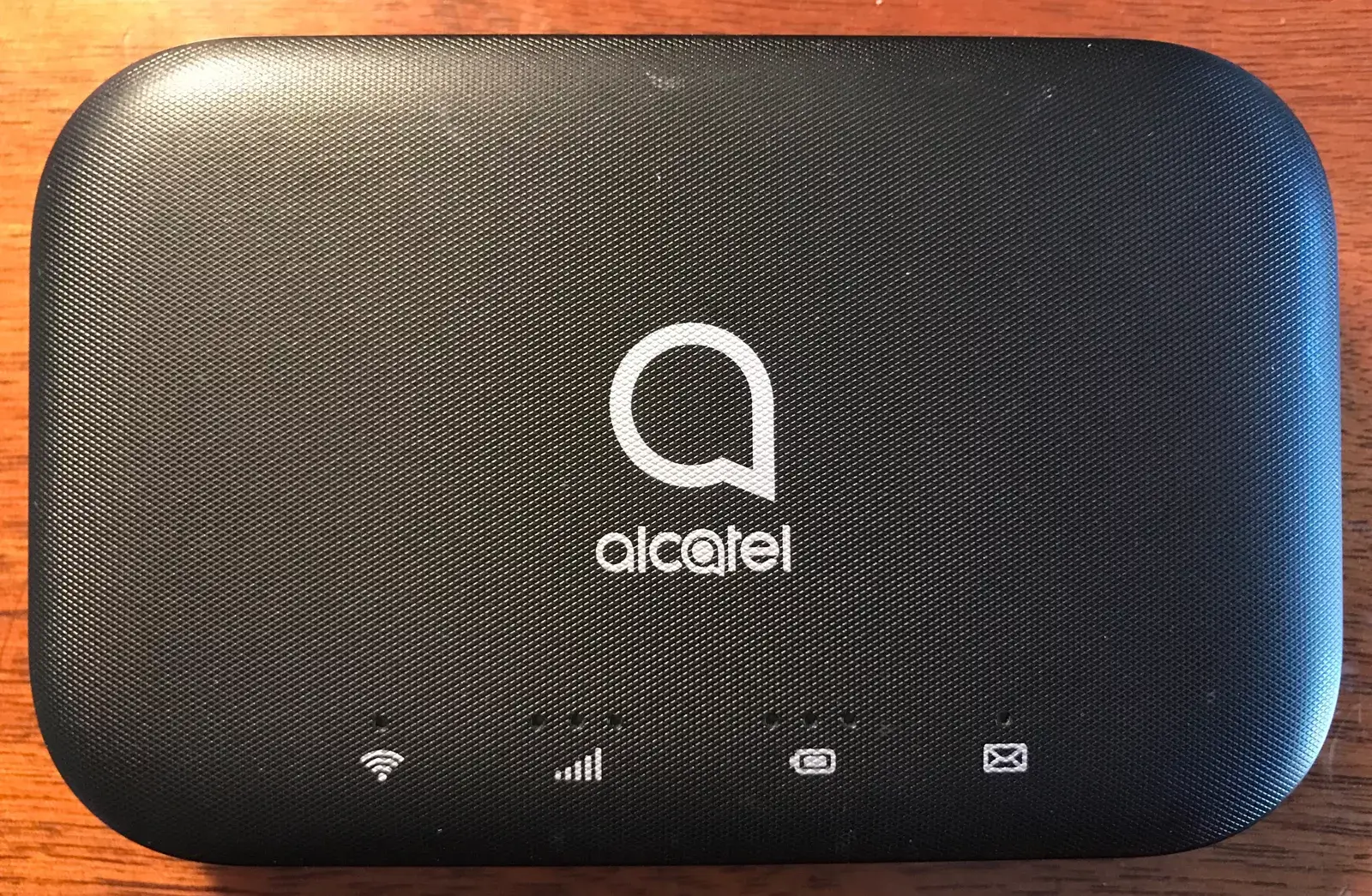
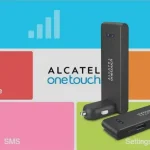
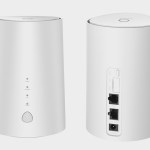
Alcatel (now TCL) manufactures one of the largest lineups of 4G LTE mobile hotspot devices on the market. Sold under brands like Alcatel LinkZone, EE, and MW-series, these portable MiFi devices are deployed by carriers worldwide including EE, Vodafone, Orange, T-Mobile, Airtel, MTN, and Telstra.
Table of Contents
Most Alcatel MiFi devices ship carrier-locked, restricting you to a single network. Unlocking requires a 10-digit NCK (Network Control Key) that permanently removes the SIM restriction, allowing you to use any SIM card from any carrier worldwide.
Supported Alcatel 4G LTE MiFi Models
We provide NCK unlock codes for all Alcatel 4G LTE mobile hotspot devices with a 100% success rate:
Alcatel LinkZone and MW Series
| Model | Also Known As | Network |
|---|---|---|
| MW40V / MW40VD / MW40VF | LinkZone MW40 | 4G LTE Cat 4 |
| MW40NF / MW40LH / MW40CJ | LinkZone MW40 variants | 4G LTE Cat 4 |
| MW41CL | LinkZone | 4G LTE Cat 4 |
| MW42L / MW42 | LinkZone 2 | 4G LTE Cat 4 |
| MW43TM / MW43TM25 / MW43MP / MW43 | LinkZone MW43 | 4G LTE Cat 6 |
| MW45 | LinkZone MW45 | 4G LTE Cat 6 |
| MW50 | LinkZone MW50 | 4G LTE Cat 6 |
| MW70 / MW70VK | LinkZone Cat7 | 4G LTE Cat 7 |
| MW71 / MW72 / MW75 / MW76 / MW77 | LinkZone series | 4G LTE Cat 7–12 |
Alcatel Y-Series (Classic Models)
| Model | Type | Network |
|---|---|---|
| Y855 / Y855V | Portable MiFi | 4G LTE Cat 4 |
| Y850 / Y850V / Y850O | Portable MiFi | 4G LTE Cat 4 |
| Y853 / Y853VB | Portable MiFi | 4G LTE Cat 4 |
| Y854 / Y854VB | Portable MiFi | 4G LTE Cat 4 |
| Y858 | Portable MiFi | 4G LTE Cat 4 |
| Y800Z / Y800I / Y800MA | Portable MiFi | 4G LTE Cat 3 |
| Y900 / Y900NB / Y901 | Portable MiFi | 4G LTE Cat 6 |
Carrier-Branded Models
| Model | Carrier | Network |
|---|---|---|
| EE40VB | EE UK | 4G LTE |
| EE60VB | EE UK | 4G LTE |
| EE70 | EE UK | 4G LTE Cat 6 |
| EE120 | EE UK | 4G LTE Cat 12 |
| R217 / R219t / R228T | Vodafone | 4G LTE |
| HH130 | Various | 4G LTE |
| HH41CM / HH41V | Various | 4G LTE |
If your model is not listed, contact us on WhatsApp to confirm compatibility.
How to Unlock Your Alcatel MiFi
There are two methods to enter the unlock code — via USB software or WiFi browser. Both achieve the same result.
Insert a Non-Original SIM Card
- Power off your Alcatel MiFi
- Remove the original SIM card and insert a SIM from a different carrier
- Power the device back on
Connect to Your MiFi
Choose one of these connection methods:
- USB method: Connect the MiFi to your computer via USB cable. The device will prompt you to install its management software, which will automatically display the unlock prompt.
- WiFi method: Connect to the MiFi’s WiFi network from your laptop or phone. Open a browser and go to 192.168.1.1 (or 192.168.0.1). Log in with default credentials — typically admin / admin.
Enter the NCK Unlock Code
- The device or web interface will display a prompt asking for the NCK (Network Control Key)
- Enter the 10-digit unlock code provided by us
- Click Apply or Submit
- Your MiFi is now permanently unlocked — it will accept any SIM card
Configure APN Settings (If Needed)
After unlocking, if the MiFi does not connect to the new network automatically:
- Go to Settings > Network > APN in the web interface
- Create a new APN profile with the settings provided by your carrier
- Save and restart the device
Remote Unlocking Assistance
If your device does not display the unlock prompt or you encounter issues during the process, our technicians can unlock it remotely using AnyDesk, RustDesk, or TeamViewer. Visit our Remote Unlock page for details.
Frequently Asked Questions
What is an NCK code?
NCK stands for Network Control Key. It is a unique 10-digit code generated from your device’s IMEI number. Entering this code removes the carrier SIM lock permanently.
Is the unlock permanent?
Yes. Once unlocked with the NCK code, your Alcatel MiFi is permanently unlocked. It will accept any SIM card even after firmware updates or factory resets.
How do I find my IMEI number?
Check the sticker under the battery or on the back of your device. You can also find it in the web interface at 192.168.1.1 > Device Information.
Will unlocking work with any carrier?
Yes. Our NCK codes work for Alcatel MiFi devices locked to any carrier worldwide, including EE, Vodafone, Orange, T-Mobile, Airtel, MTN, Telstra, Optus, and many more.
Do I need technical knowledge?
No. The process is straightforward — insert a new SIM, connect, and enter the code. If you need help, our remote unlock service handles everything for you.
Additional Alcatel Sub-Models We Now Support
The Alcatel 4G LTE MiFi models below were recently added to our supported devices list. The unlock procedure is identical to the one described above — submit the IMEI, pay, and receive the unlock code by email within the stated delivery window.
- MW45AN — sub-variant of the MW45 family
- MW45V — sub-variant of the MW45 family
- Y858V — sub-variant of the Y858 family
If your exact model isn’t listed, run a free IMEI check first — our database is updated weekly and many newer variants are supported even if they aren’t named yet.
Watch: Alcatel MiFi Unlock Demonstrations
Get Your Alcatel MiFi Unlocked Today
Contact us through any of the channels below — we are available 24/7.