Huawei V5 Unlock Code Calculator — What It Is, Why Free Ones Fail, and How to Get a Working Code (2026 Guide)
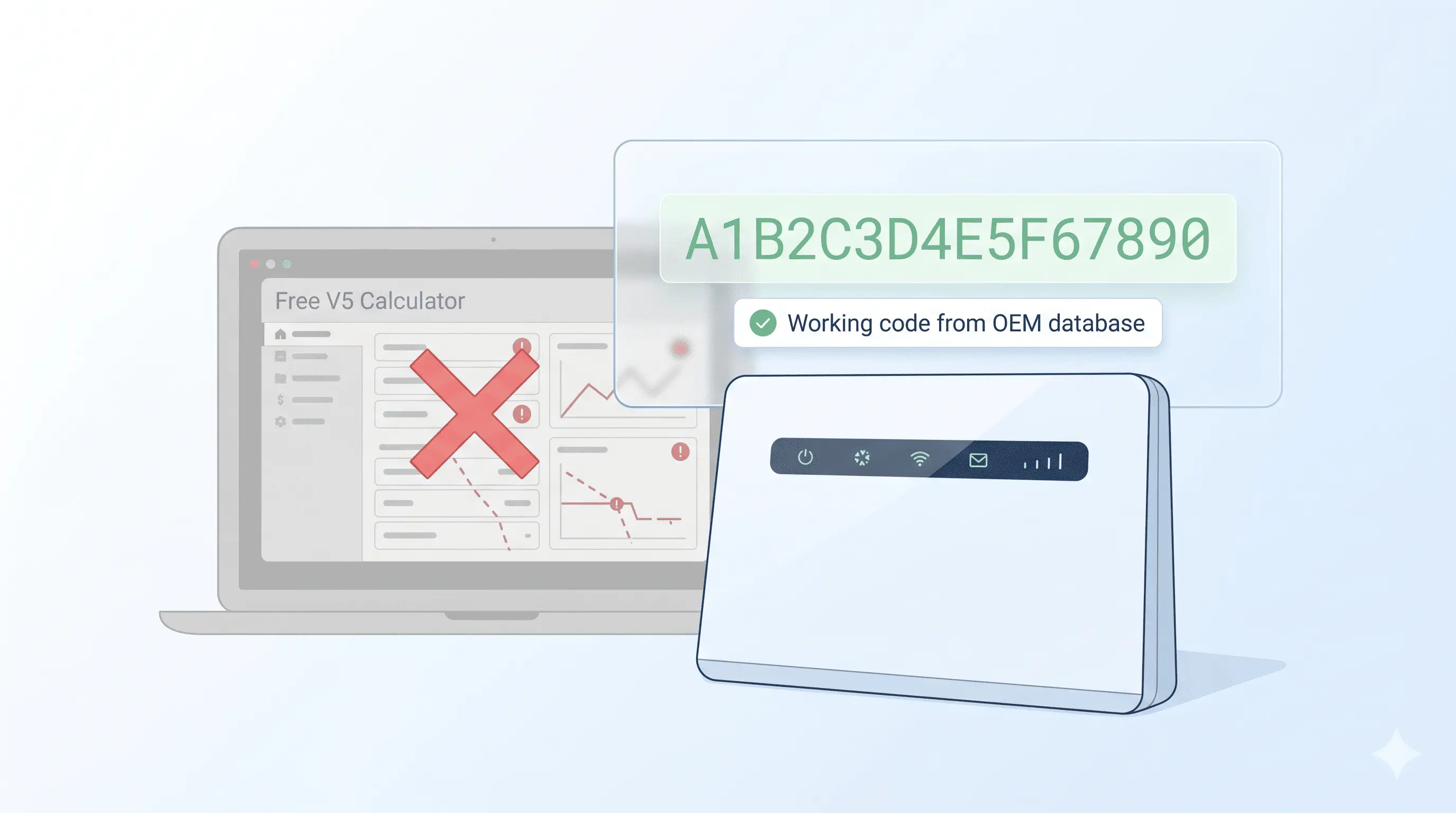
You ran your Huawei router’s IMEI through a free V5 unlock code calculator, got a 16-digit code back in seconds, typed it into the admin panel at 192.168.8.1, and the router shrugged and said wrong code. Two more attempts, same result. By the fourth try the unlock prompt is locked out and your evening’s gone.
Table of Contents
Here’s what the calculator actually is, why the free ones almost always fail in 2026, and the legitimate path to a code that works the first time. Covers every Algo V5 Huawei device: H122-series, H155-series, H312-series, H138-380, E5783, E5785, E5786, E5787, E5788, E5885, E6878, B2328, B2338, B2368, B900, and the rebranded carrier variants (Vodafone R218H, EE 4GEE WiFi, STC Quickfi).
What a Huawei V5 unlock code actually is
Modern Huawei modems store the carrier-lock flag inside the baseband firmware — the part of the device that talks to cell towers. To flip that flag, Huawei’s modem firmware accepts a 16-digit NCK (Network Control Key) code generated by an algorithm called Algo Version 5, which Huawei rolled out around 2018 to replace the older 8-digit V4 codes that hackers had reverse-engineered.
Algo V5 takes your device’s 15-digit IMEI, mixes it with a per-device cryptographic salt that lives in Huawei’s OEM database, and produces a unique 16-digit string. Enter that string once, the lock flag flips, the router accepts any SIM. The math is deterministic — same IMEI in, same code out — which is exactly why free calculators try to reverse-engineer it. They fail because the salt is the secret, and Huawei has rotated it twice since the algorithm shipped.
Why free V5 calculators don’t work in 2026
- The 2019 leaked salt is dead. Most “free Huawei V5 calculator” downloads on forums and Telegram channels still use a salt that Huawei rotated out of the OEM database in 2021. The code these tools produce was valid on stock 2018-2020 firmware. Update to any current Huawei modem firmware (and most carriers force-pushed updates in 2022-2023) and the code is rejected.
- The newer chassis use a different algorithm class. The 5G CPE generation — H122-373, H155-381, H138-380, H312-371, E6878 — uses a variant of V5 with an extra device-class parameter that the original algorithm doesn’t include. A code generated for the right IMEI but the wrong chassis class fails silently.
- Most “free tools” are malware vectors. The dominant V5 calculator search results on Google point to forum download links that bundle the calculator with a credential-stealer, a coin miner, or a keylogger. Even when the bundled tool runs, the output is usually a placeholder code and a “buy the full version for /$50” upsell.
- Trial-and-error costs you the unlock counter. Most Huawei modems lock the NCK prompt after 3 to 10 wrong attempts. After that, recovering the prompt needs either a Huawei service-tool firmware recovery (paid, slow) or a full modem-firmware reflash via testpoint (risky). One bad code burns a few attempts; three bad codes can hard-lock the device.
Which Huawei devices use V5 (and which still use V4)
| Chassis family | Algorithm | Models |
|---|---|---|
| 3G & early 4G MiFi | V4 (8-digit) | E5331, E5332, E5336, E5372, E5375, E5573 (early build) |
| 4G LTE pocket MiFi (pre-2018) | V4 (8-digit) | E5375, E5377, E5577 (early build), E5573s |
| 4G LTE MiFi (2018-2021) | V5 (16-digit) | E5577 (late), E5783, E5785, E5786, E5787, E5788 |
| 4G LTE Mobile WiFi Pro | V5 (16-digit) | E5885, E5878, E5576, E5586 |
| 4G LTE CPE routers | V5 (16-digit) | B315, B525, B528, B535, B612, B618, B628, B818 |
| 4G+ & 5G CPE routers | V5 (16-digit, extended) | H112-370, H112-372, H112-380, H122-373, H122-379, H138-380, H155-381, H158-381, H312-371, N5368X |
| 5G mobile WiFi | V5 (16-digit, extended) | E6878-870, E6878-370, E6878-380, E6878-866 |
| 4G enterprise routers | V5 (16-digit) | B2328, B2338, B2368, B900 |
Not sure which one your device uses? Insert any non-original SIM. If the unlock prompt asks for 8 digits, you need a V4 code. If it asks for 16 digits, you need V5. If you’re locked out of the prompt entirely or it asks for a 10-digit code, you’re on a hardlocked chassis that needs OEM database recovery — submit your IMEI for a free check and we’ll tell you what path applies.
How to get a working V5 code — step by step
- Find your IMEI. Open the router admin at
192.168.8.1, log in (defaultadmin/adminon most chassis), navigate to System → Device Information. The 15-digit IMEI is on that page. For pocket MiFis without web admin, check the sticker under the battery. - Submit your IMEI on our main service page. Pick Huawei from the dropdown, paste the IMEI, confirm the price. We query Huawei’s current OEM database directly — no offline calculator, no leaked-salt guesswork.
- Pay. Card, mobile money, Binance Pay, or crypto.
- Receive the working V5 code by email within 24 to 72 hours. Older E5577 / E5783 / E5785 chassis often come back the same day; the 5G CPE generation (H122, H155, H312) usually takes 48 hours because their OEM dashboard runs on slower batch cycles.
- Enter the 16-digit code on the unlock prompt after inserting a non-Huawei-original SIM. The prompt accepts on first try, the router unlocks permanently. The flag survives factory resets, firmware updates, and battery swaps.
Pricing and delivery
V5 code pricing varies by chassis family. Older 4G LTE MiFi codes (E5577, E5783, E5785) are at the low end. The 5G CPE generation (H122-373, H155-381) and the 4G+ enterprise routers (B2368, B900) sit higher because their OEM dashboards are gated. Run a free IMEI check for an exact quote before paying. Refunds are automatic if no code can be sourced.
FAQ
Is the V5 calculator I downloaded a scam?
Almost certainly. The Algo V5 secret salt is not publicly available, and Huawei has rotated it twice. Any tool claiming to generate working V5 codes offline in 2026 is either using a 2019 salt (which fails on current firmware), serving placeholder codes alongside a paid upsell, or bundling malware. There’s no working free V5 calculator. We pull codes from Huawei’s live OEM database for your specific IMEI — that’s the only path that produces codes the router accepts.
My router is already locked from too many wrong attempts. Can it be recovered?
Usually yes. Most Huawei chassis have a recoverable attempt-counter that resets after the right code is entered or after an OEM service-tool firmware reset. Submit your IMEI and tell us how many attempts were used — we’ll confirm whether your specific model is recoverable before you pay. A small number of late-2024 5G CPE units have a permanent hardlock after 10 failed attempts; those need a testpoint reflash, which we don’t do.
Will the V5 code survive a firmware update or factory reset?
Yes. The unlock flag lives in the baseband, below the user-flashable firmware layer. Factory resets, firmware updates, switching SIMs repeatedly, even battery swaps don’t re-lock the device. Once unlocked with a working V5 code, permanently unlocked.
Get a working V5 code today
Contact us — we are available 24/7. We pull the code directly from Huawei’s OEM database for your specific IMEI, within 24 to 72 hours. Refunds are automatic if no code can be sourced.