How to Unlock Inseego MiFi 5G Hotspots — M3000, M3100, M4000 Series (2026 Guide)
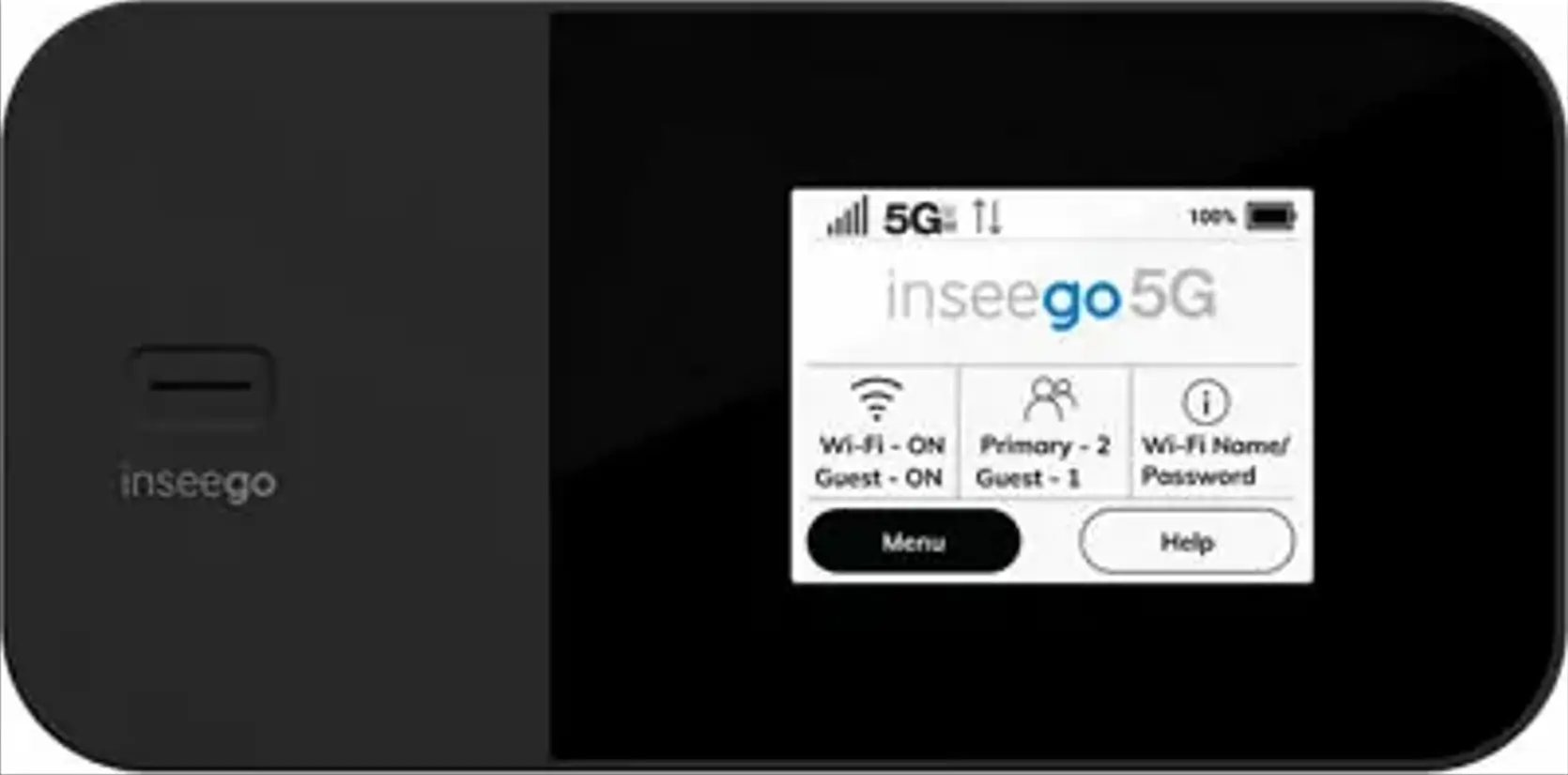
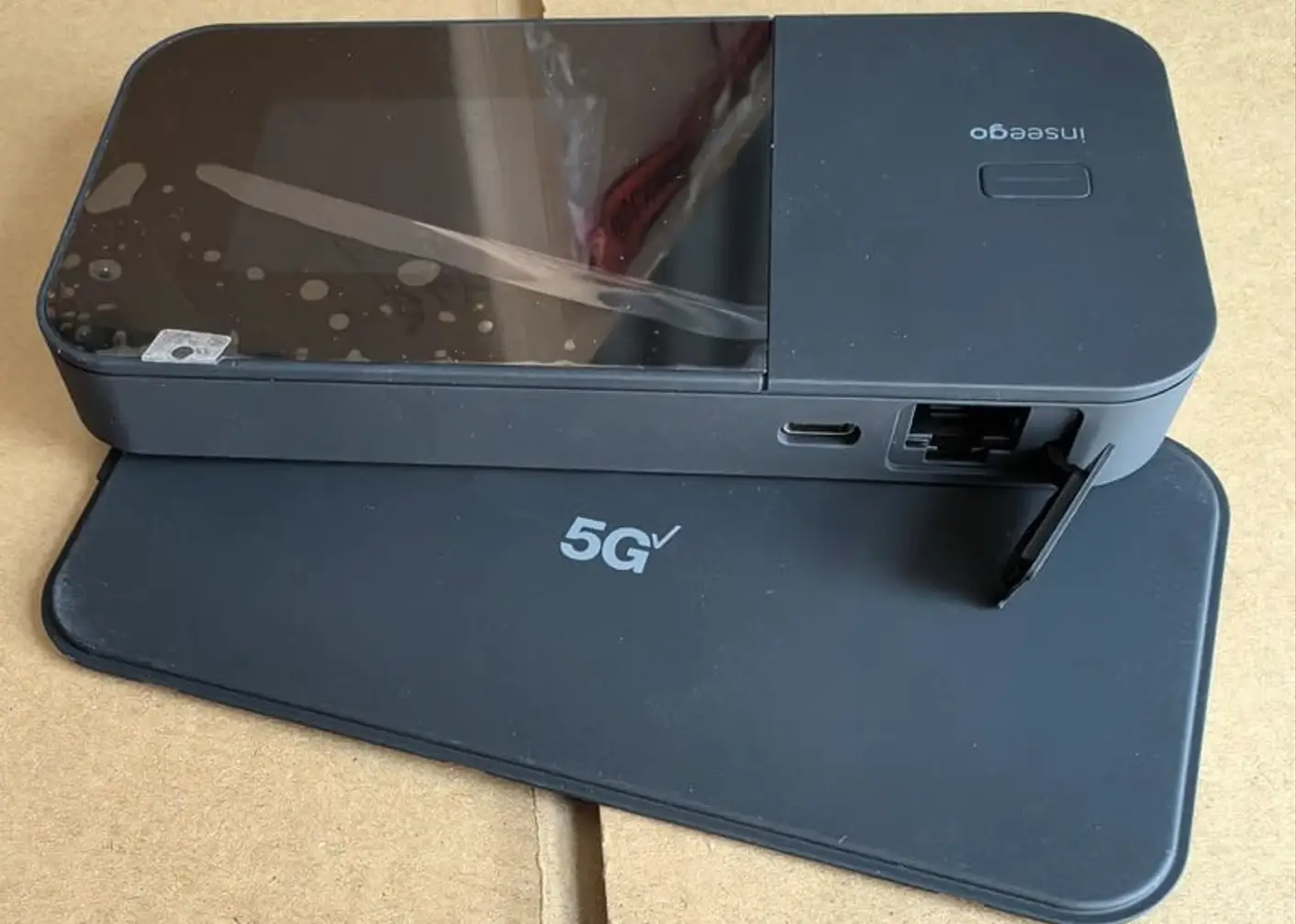
Inseego’s MiFi 5G hotspot lineup is one of the most popular pocket-form-factor mobile internet families on the US market. The current generation runs from the MiFi X PRO 5G (M3000 / M3100) — sold by Verizon and T-Mobile — through to the brand-new MiFi PRO M4 (M4000 series) released in April 2026 by AT&T and T-Mobile Business with Wi-Fi 7 and Qualcomm’s Snapdragon X72 modem.
Table of Contents
All carrier-branded variants ship locked to the original network. This guide covers SIM/carrier unlock, IMEI restore, TTL change, firmware repair, and brick recovery for the MiFi X PRO and MiFi PRO M4 series.
Services We Offer for Inseego MiFi Hotspots
| Service | What It Solves | Method |
|---|---|---|
| Carrier / SIM Unlock by Code | Use any SIM worldwide (when device prompts for code) | NCK code emailed to you |
| Carrier / SIM Unlock — Remote | Use any SIM worldwide (when device does not prompt) | Remote (AnyDesk / TeamViewer) |
| Firmware Repair | Stuck on logo, boot loop, won’t power on | Remote |
| Dead / Bricked Recovery | Failed firmware update, no display | Remote |
| IMEI Restore | Invalid IMEI, “00000000…” IMEI, no service after repair | Remote |
| TTL Change | Carrier blocks tethering / hotspot detection | Remote |
| Band Unlock | Lock to specific 4G/5G band, enable hidden bands | Remote |
Supported Inseego Models
MiFi X PRO 5G (M3000 series)
| Model | Variant | Modem | Wi-Fi | Carrier |
|---|---|---|---|---|
| M3000 | MiFi X PRO 5G | Qualcomm X65 | Wi-Fi 6 | T-Mobile US (locked) |
| M3100 | MiFi X PRO 5G UW | Qualcomm X65 | Wi-Fi 6 | Verizon UW (locked) |
| FX3100 | MiFi X PRO Fixed | Qualcomm X65 | Wi-Fi 6 | Various |
MiFi PRO M4 (M4000 series — released April 2026)
| Model | Variant | Modem | Wi-Fi | Carrier |
|---|---|---|---|---|
| M4040 | MiFi PRO M4 (AT&T) | Qualcomm X72 | Wi-Fi 7 | AT&T (locked) |
| M4020 | MiFi PRO M4 (T-Mobile Business) | Qualcomm X72 | Wi-Fi 7 | T-Mobile Business (locked) |
| M4000 | MiFi PRO M4 (unlocked) | Qualcomm X72 | Wi-Fi 7 | Sold unlocked |
Older MiFi Series (still supported)
| Model | Marketing Name | Network |
|---|---|---|
| M2000 / M2100 | MiFi M2000 | 5G Sub-6 |
| MiFi 8000 / 8000L | Jetpack 8800L | 4G LTE |
| MiFi 7000 | Jetpack MiFi 7730L | 4G LTE |
Quick Specs: MiFi PRO M4 vs MiFi X PRO 5G
| Spec | MiFi X PRO 5G (M3000/M3100) | MiFi PRO M4 (M4020/M4040) |
|---|---|---|
| Released | 2022 | April 2026 |
| 5G Modem | Qualcomm Snapdragon X65 | Qualcomm Snapdragon X72 |
| Peak Speed | ~3.6 Gbps | 5–10 Gbps |
| Wi-Fi | Wi-Fi 6 | Wi-Fi 7 |
| External Antenna Ports | 2× TS-9 | 2× TS-9 |
| Battery | Removable, ~10 hr | Removable, ~12 hr |
| Display | 2.4″ colour touch | 2.4″ colour touch |
How We Deliver the Unlock
Two paths depending on your device’s firmware:
- Unlock by Code — when the device prompts for a 16-digit network unlock code on inserting a foreign SIM, we generate the NCK from your IMEI and email it. You enter it via the web interface at http://192.168.1.1/carrierunlock or via the device’s touchscreen settings. No remote session needed.
- Remote Unlock — when the device doesn’t prompt (most current carrier firmware behaves this way), we connect over AnyDesk or TeamViewer and complete the unlock on a live call.
Not sure which one applies? Insert a non-original SIM and power the device on. If it asks for a code, choose unlock-by-code. If it accepts the SIM but only works on the original carrier, choose remote.
Either way, the unlock is permanent and survives factory resets and carrier OTA updates.
What You Need
- Your Inseego device and its 15-digit IMEI (Settings → About → IMEI on the touchscreen)
- A non-original SIM ready to test after the unlock
- For remote services: a Windows PC with a USB-C cable and either AnyDesk or TeamViewer
How to Order — Unlock by Code
- Find your IMEI: tap Settings → About on the touchscreen, or check the label under the battery
- Visit our Remote Unlock page and select your Inseego model
- Enter your IMEI and email, complete payment
- We email the NCK code, usually within 1–24 hours
- Insert a non-original SIM, navigate to 192.168.1.1/carrierunlock, enter the code
How to Order — Remote Unlock or Repair
- Visit our Remote Unlock page
- Select your Inseego model and the service you need (remote unlock, IMEI restore, TTL change, firmware repair)
- Enter your IMEI and email, complete payment (Card, Crypto, Binance Pay, or M-Pesa)
- You’ll receive a confirmation email with a booking link to schedule the AnyDesk session
- We perform the job live on the call and verify the result before ending the session
Frequently Asked Questions
How do I know whether to buy the code or remote unlock?
Insert a non-original SIM and power the device on. If the device prompts for a network unlock code, choose Unlock by Code. If it accepts the SIM without asking but the SIM only works on your original carrier, choose Remote Unlock. If you’re not sure, message us your IMEI and current firmware version and we’ll tell you which path applies.
Will Verizon, T-Mobile, or AT&T re-lock my hotspot?
No. Our procedures are designed to survive carrier OTA updates and factory resets.
Can I unlock a Verizon MiFi X PRO 5G UW (M3100) for use on T-Mobile or AT&T?
Yes. Once unlocked, the device works on any compatible 5G/4G network. The MiFi X PRO 5G UW supports Verizon’s mmWave bands plus standard Sub-6 bands used by T-Mobile and AT&T.
My MiFi PRO M4 just shipped — can you unlock it now?
Yes. Both the AT&T M4040 and T-Mobile Business M4020 are supported. The M4 series uses the same V5-style unlock algorithm as earlier Inseego models, with our tooling updated for the X72 modem firmware.
Why do I need a TTL change?
T-Mobile, AT&T, and Verizon all inspect the TTL value of outbound packets to detect tethering and downgrade speeds on plans that don’t include hotspot data. Setting a fixed TTL at the router level keeps tethered traffic looking like it came directly from a phone.
My MiFi is showing “Invalid SIM” with the carrier’s own SIM after a software update — can you fix it?
Yes. This usually means the IMEI was corrupted by a failed update or carrier OTA. Order the IMEI Restore service and we’ll rewrite a valid IMEI bound to the device’s hardware.
Do you offer a refund if it doesn’t work?
Yes. If we cannot complete the service on your specific Inseego device, we issue a full refund.
Carriers and Variants Supported
| Carrier | Variant | Status |
|---|---|---|
| T-Mobile US | M3000 (MiFi X PRO 5G) | ✅ Confirmed |
| Verizon UW | M3100 (MiFi X PRO 5G UW) | ✅ Confirmed |
| AT&T | M4040 (MiFi PRO M4) | ✅ Confirmed |
| T-Mobile Business | M4020 (MiFi PRO M4) | ✅ Confirmed |
| Verizon | MiFi 8800L / 7730L (legacy) | ✅ Confirmed |
Get in Touch
Whether you need it unlocked, repaired, IMEI-fixed, or TTL-modded — contact us. We’re available 24/7.
Additional Inseego / Verizon Sub-Models We Now Support
The Inseego MiFi 5G models below were recently added to our supported devices list. The unlock procedure is identical to the one described above — submit the IMEI, pay, and receive the unlock code by email within the stated delivery window.
- MiFi 8800L — Verizon-branded 4G+ LTE mobile hotspot (predecessor to the M-series)
If your exact model isn’t listed, run a free IMEI check first — our database is updated weekly and many newer variants are supported even if they aren’t named yet.