How to Unlock Huawei B2328, B2338, B2368 & B900 Routers with V5 Code (2026 Guide)
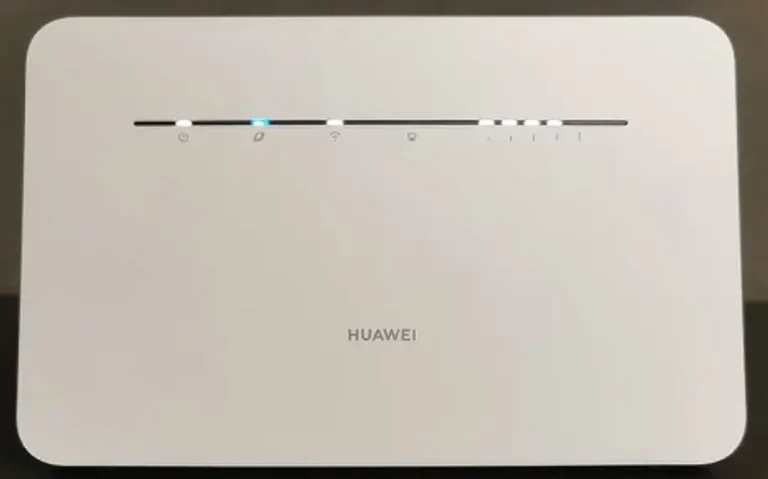
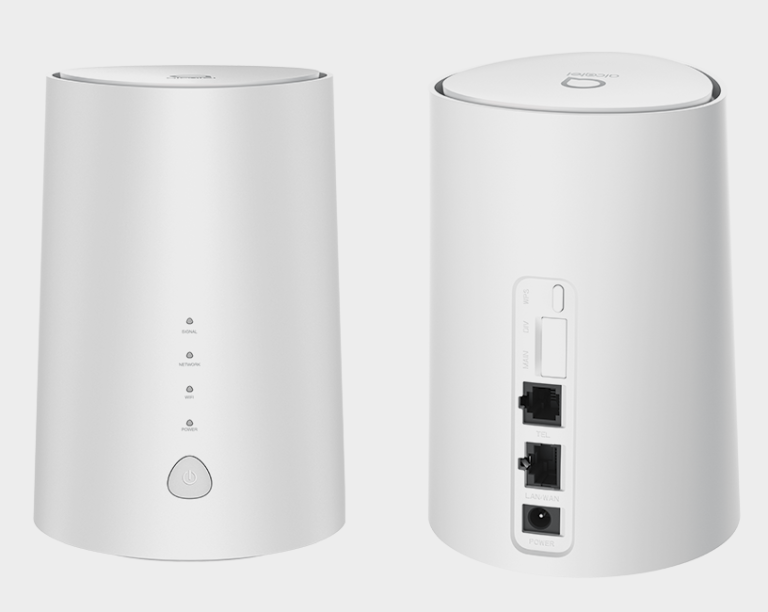
The Huawei B2328, B2338, B2368, and B900 series are 4G LTE indoor CPE routers designed for home and office broadband. These devices are sold through carriers worldwide and ship locked to the original network. Unlocking requires a Version 5 (V5) unlock code — a 16-digit alphanumeric key generated from your IMEI.
Table of Contents
Supported Models
| Model | Series | Type | Network |
|---|---|---|---|
| B2328 | B2xxx | Indoor CPE Router | 4G LTE |
| B2328-42 | B2xxx | Indoor CPE Router | 4G LTE |
| B2338 | B2xxx | Indoor CPE Router | 4G LTE |
| B2338-168 | B2xxx | Indoor CPE Router | 4G LTE |
| B2338-68 | B2xxx | Indoor CPE Router | 4G LTE |
| B2368 | B2xxx | Indoor CPE Router | 4G LTE |
| B900 | B9xx | Indoor CPE Router | 4G LTE |
| B900-230 | B9xx | Indoor CPE Router | 4G LTE |
Why Unlock Your Huawei Router?
- Use any SIM card — switch between carriers for the best speed, coverage, or price
- No contract lock-in — use the router after your carrier agreement ends
- Higher resale value — unlocked routers sell for more on the secondhand market
- International use — take the router abroad and use local SIM cards
How to Unlock Your Router
Connect to Your Router
- Power on the router
- Connect via Wi-Fi or LAN cable from your computer or smartphone
- Open a browser and go to 192.168.8.1
- Log in with default credentials — typically admin / admin
Find Your IMEI Number
- In the web interface, go to Device Information or About
- Copy the 15-digit IMEI number
- Alternatively, check the label on the bottom of the router
Purchase Your V5 Unlock Code
- Go to our Huawei V5 Unlock Code page
- Enter your IMEI number and email address
- Complete the payment — your 16-digit V5 code will be delivered to your email
Insert a New SIM and Unlock
- Power off the router
- Insert a SIM card from a different carrier
- Power on and go to 192.168.8.1
- The web interface will prompt for an unlock code
- Enter the 16-digit V5 code and click Apply
- Your router is now permanently unlocked
Configure APN Settings (If Needed)
If the router does not connect to the new network automatically:
- Go to Settings > APN in the web interface
- Create a new APN profile with your carrier’s details
- Save and restart the router
Frequently Asked Questions
Can I unlock from my smartphone?
Yes. Connect to the router’s Wi-Fi from your phone, open a browser, go to 192.168.8.1, and follow the same steps. No computer required.
Is the unlock permanent?
Yes. The V5 unlock is permanent and survives firmware updates, factory resets, and SIM changes.
What is the difference between B2328 and B2338?
Both are Huawei 4G LTE indoor CPE routers with similar functionality. The B2338 typically supports additional LTE bands and may have slightly different antenna configurations depending on the regional variant.
How long does code delivery take?
Most V5 codes are delivered within 1 to 24 hours. Some may take up to 48 hours for less common sub-models.
Additional Huawei Sub-Models We Now Support
The Huawei B2328 / B2338 / B2368 / B900 V5 router models below were recently added to our supported devices list. The unlock procedure is identical to the one described above — submit the IMEI, pay, and receive the unlock code by email within the stated delivery window.
- B2368-A01 — sub-variant of the B2368 family
If your exact model isn’t listed, run a free IMEI check first — our database is updated weekly and many newer variants are supported even if they aren’t named yet.
Watch: Huawei Router Unlock Demonstration
Get Your Router Unlocked Today
Contact us through any of the channels below — we are available 24/7.