How to Unlock NTT Docomo Wi-Fi Station & Mobile Routers with Unlock Code (2026 Guide)
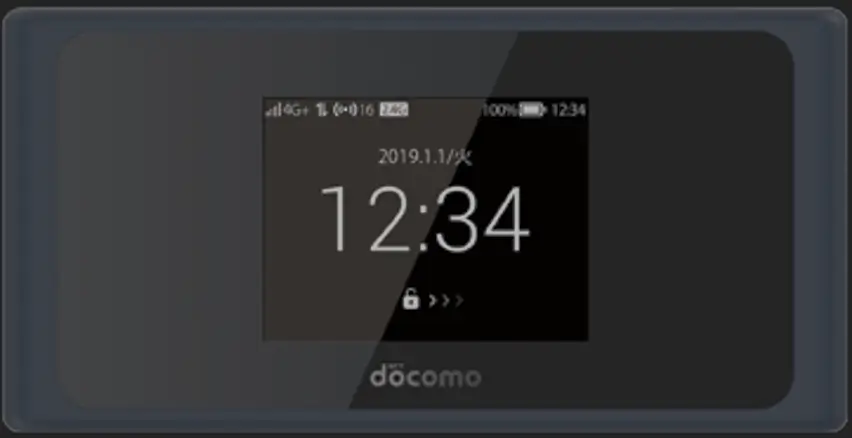
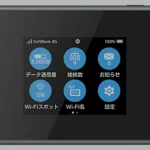
NTT Docomo is Japan’s largest mobile carrier, and its Wi-Fi Station line of portable routers is widely used across Japan. Models like the SH-05L, L-03F, HW-01L, N-01J, and HW-02G are manufactured by Sharp, LG, Huawei, and NEC respectively — all locked to Docomo’s network.
Table of Contents
Unlocking these devices allows you to use SIM cards from other Japanese carriers (au/KDDI, SoftBank, Rakuten) or international SIM cards when traveling abroad. We provide unlock codes for all Docomo Wi-Fi Station routers and Docomo-locked mobile phones.
Supported NTT Docomo Models
| Model | Manufacturer | Type | Network |
|---|---|---|---|
| L-03F | LG | Portable MiFi | 4G LTE |
| L-04D | LG | Portable MiFi | 3G / LTE |
| L-09C | LG | Portable MiFi | 3G |
| BF-01B | Buffalo | Portable MiFi | 3G |
| BF-01C | Buffalo | Portable MiFi | 3G |
| BF-01D | Buffalo | Portable MiFi | 4G LTE |
| SH-05L | Sharp | Portable MiFi | 4G LTE-A |
| HW-01C | Huawei | Portable MiFi | 3G |
| HW-01L | Huawei | Portable MiFi | 4G LTE |
| HW-02G | Huawei | Portable MiFi | 4G LTE |
| N-01J | NEC | Portable MiFi | 4G LTE-A |
We also unlock NTT Docomo mobile phones that request an unlock code. Contact us on WhatsApp with your model and IMEI.
Why Unlock Your Docomo Router?
- Use with other Japanese carriers — switch to au/KDDI, SoftBank, Rakuten, or MVNOs like IIJmio and mineo
- International travel — insert a local SIM card when traveling outside Japan
- Resale value — unlocked Docomo devices sell for more, especially to international buyers
- Expat flexibility — use the device after leaving Japan with a home-country SIM
How to Unlock Your NTT Docomo Router
Find Your IMEI Number
- Power on your Docomo router and connect via Wi-Fi or USB
- Open a browser and go to 192.168.1.1
- Log in with default credentials — typically admin / admin
- Go to Device Information and copy the 15-digit IMEI number
- Alternatively, check the sticker under the battery
Purchase Your Unlock Code
- Go to our NTT Docomo Unlock Code page
- Enter your IMEI number and email address
- Complete the payment — your unlock code will be emailed to you
Insert a New SIM and Unlock
- Power off the device
- Insert a SIM card from a different carrier (not Docomo)
- Power on and connect to the web interface at 192.168.1.1
- The interface will prompt for an unlock code
- Enter the code received via email and click Submit
- Your device is now permanently unlocked
Configure APN Settings (If Needed)
After unlocking, if the device does not auto-connect:
- Go to Network Settings > APN in the web interface
- Create a new APN profile with your carrier’s settings
- Save and restart the device
Frequently Asked Questions
Do you also unlock Docomo phones?
Yes. Our unlock service works for both Docomo Wi-Fi Station routers and Docomo-locked mobile phones (Samsung Galaxy, Sony Xperia, Sharp AQUOS, etc.). Provide the IMEI and we will generate the correct code.
Can I use a Docomo router with Rakuten Mobile?
Yes, provided the device supports Rakuten’s LTE bands. Most newer Docomo Wi-Fi Station models (SH-05L, N-01J, HW-01L) have broad band compatibility and work with Rakuten Mobile after unlocking.
Is the unlock permanent?
Yes. The unlock persists through firmware updates, factory resets, and SIM changes. You only enter the code once.
How long does delivery take?
Most Docomo unlock codes are delivered within 1 to 48 hours depending on the model and manufacturer.
Will an unlocked Docomo router work outside Japan?
Yes, as long as the LTE bands of your destination country match the device’s supported bands. These routers work well across Asia, and many models also support European and North American bands.
Watch: Docomo Router Unlock Demonstration
Get Your Docomo Device Unlocked Today
Contact us through any of the channels below — we are available 24/7.