How to Unlock Huawei E8278s 4G Wingle (E8278s-601, E8278s-602, E8278s-603) (2026 Guide)
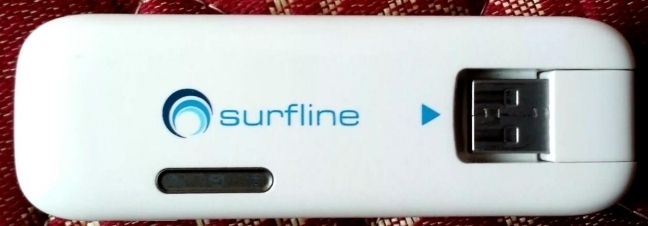
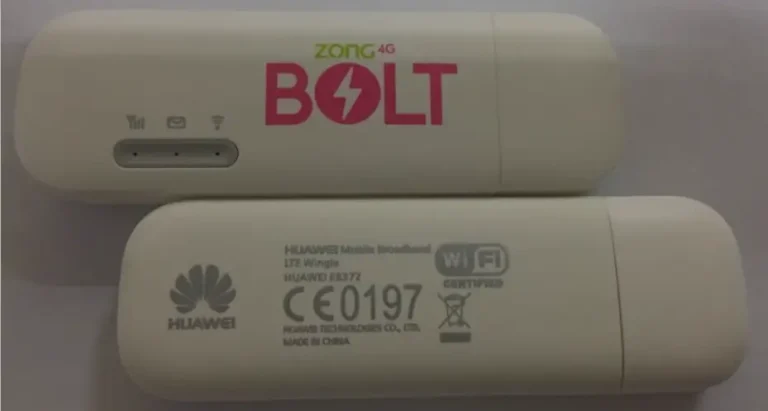
The Huawei E8278s is a 4G LTE wingle (USB dongle with built-in WiFi hotspot) available in three regional variants: E8278s-601, E8278s-602, and E8278s-603. Supporting LTE Cat 4 at 150 Mbps, it plugs into a laptop or power bank via USB and broadcasts WiFi to up to 10 devices. Commonly sold by Surfline (Ghana) and other African carriers.
Table of Contents
Supported Models
| Model | Network | Common Carrier |
|---|---|---|
| E8278s-601 | 4G LTE Cat 4 (150 Mbps) | Surfline Ghana |
| E8278s-602 | 4G LTE Cat 4 | Various African carriers |
| E8278s-603 | 4G LTE Cat 4 | Various |
Key Features
- LTE Cat 4 — 150 Mbps download, 50 Mbps upload
- Built-in WiFi — broadcasts hotspot to 10 devices
- USB powered — works with laptops, PCs, and power banks
- External antenna port — TS-9 connector for signal boosting
- microSD slot — up to 32 GB storage
How to Unlock
Find Your IMEI
- Plug the E8278s into USB
- Go to 192.168.8.1, log in with admin / admin
- Copy the 15-digit IMEI
Purchase and Enter Code
- Check if V4 (8-digit) or V5 (16-digit) by inserting a foreign SIM
- V4 → Buy V4 | V5 → Buy V5
- Enter the code when prompted — permanently unlocked
Frequently Asked Questions
My Surfline E8278s is locked — can you unlock it?
Yes. Surfline-locked E8278s devices are commonly unlocked by us with 100% success.
Is the unlock permanent?
Yes. Permanent through all usage and firmware updates.
Watch: E8278s Unlock
Get Your Wingle Unlocked Today
Contact us — we are available 24/7.