How to Unlock Alcatel 4G LTE Wingle & Dongle (Y856, Y856V, W800) (2026 Guide)

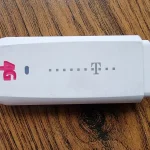
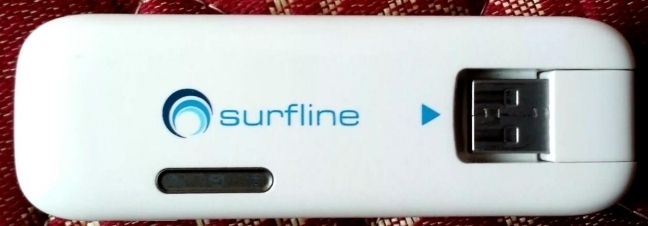
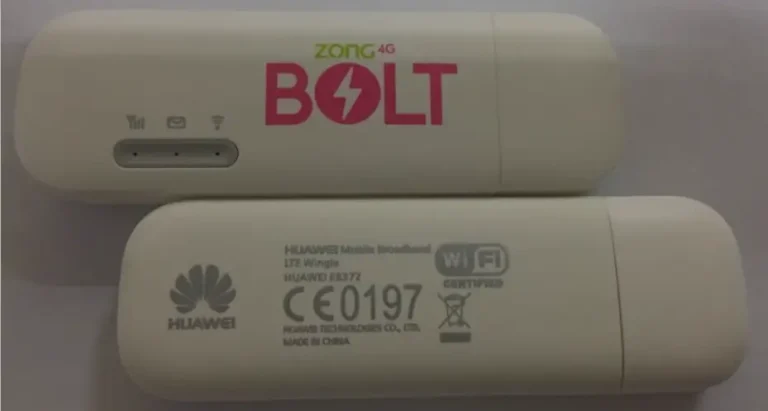
The Alcatel Y856, Y856V, and W800 are 4G LTE wingles (USB dongles with built-in WiFi). These devices plug into a laptop or power bank via USB and broadcast a WiFi signal, allowing multiple devices to connect. They support LTE Cat 4 at 150 Mbps and are commonly locked to Vodafone, EE, and other European carriers.
Table of Contents
Unlocking requires a 10-digit NCK (Network Control Key).
Supported Models
| Model | Type | Network |
|---|---|---|
| Y856 | 4G LTE Wingle | LTE Cat 4 (150 Mbps) |
| Y856V | 4G LTE Wingle (Vodafone) | LTE Cat 4 (150 Mbps) |
| W800 | 4G LTE Dongle | LTE Cat 4 (150 Mbps) |
What is a Wingle?
A wingle is a USB modem with built-in WiFi hotspot. Unlike a regular USB modem that only provides internet to the plugged-in computer, a wingle broadcasts a WiFi signal so multiple devices (phones, tablets, laptops) can connect wirelessly.
How to Unlock
Find Your IMEI
- Plug the wingle into your laptop’s USB port
- Open a browser and go to 192.168.1.1
- Go to Device Information and copy the 15-digit IMEI
Purchase and Enter Code
- Go to our Alcatel 10-Digit Unlock Code page
- Enter IMEI and email, complete payment
- Insert a non-original SIM into the wingle
- Enter the 10-digit NCK code when prompted
- Device is permanently unlocked
Frequently Asked Questions
Do wingles need a power source?
Yes. Wingles draw power from the USB port they’re plugged into. You can use a laptop, desktop PC, or even a USB power bank.
How many devices can connect?
Most Alcatel wingles support up to 10 WiFi devices simultaneously plus the USB host computer.
Is the unlock permanent?
Yes. Permanent through all usage.
Watch: Alcatel Wingle Unlock
Get Your Wingle Unlocked Today
Contact us — we are available 24/7.