How to Unlock ZTE 3G Routers & Wingles (MF23, MF25B, MF29, MF70) (2026 Guide)
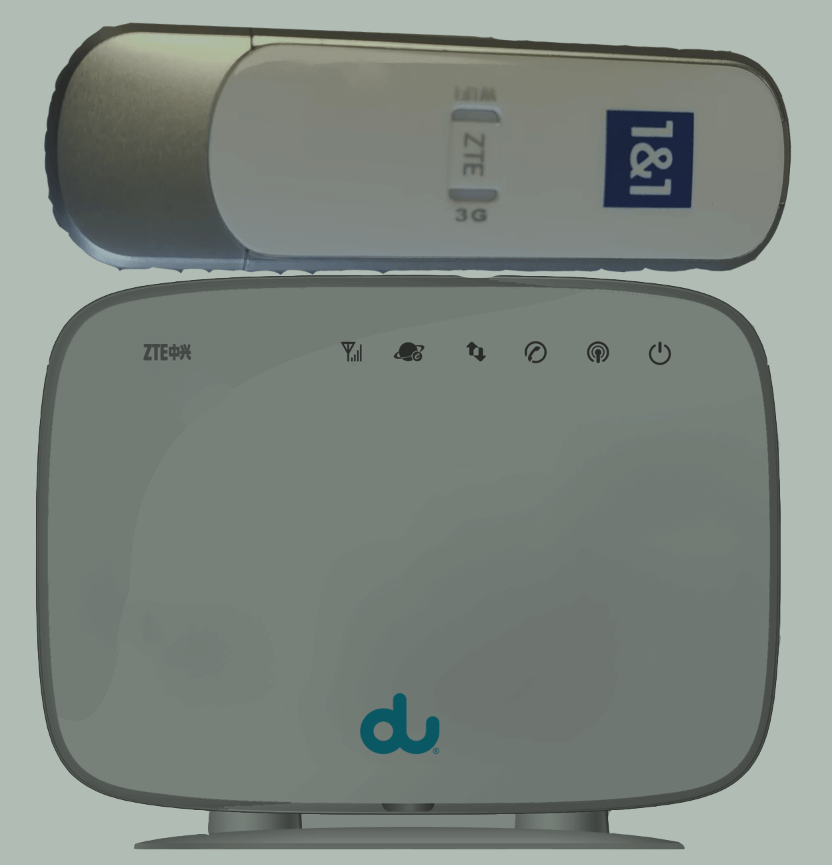
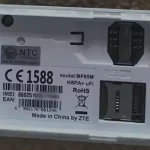
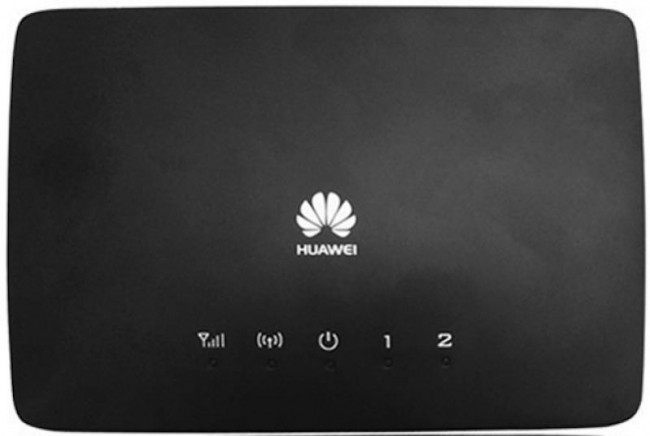
ZTE’s 3G routers and wingles — including the MF23, MF25B, MF29, MF10, MF612, MF70, MF70A, and MF70M — are classic home broadband and USB WiFi devices. The MF23 and MF29 are indoor CPE routers with Ethernet ports, while the MF70 is a 3G wingle (USB dongle with WiFi). Despite being 3G, they remain in use across Africa and Asia.
Table of Contents
Supported Models
| Model | Type | Network |
|---|---|---|
| MF23 | Indoor CPE Router | 3G HSPA+ |
| MF25B | Indoor CPE Router | 3G HSPA+ |
| MF29 | Indoor CPE Router | 3G HSPA+ |
| MF10 | Indoor CPE Router | 3G HSPA |
| MF612 | Indoor CPE Router | 3G HSPA+ |
| MF70 / MF70A / MF70M | Wingle (USB + WiFi) | 3G HSPA+ 21.6 Mbps |
How to Unlock
Find Your IMEI
- Connect via WiFi or Ethernet
- Go to 192.168.1.1 or 192.168.0.1
- Log in and copy the 15-digit IMEI
Purchase and Enter Code
- Go to our ZTE Unlock Code page
- Enter IMEI and email, complete payment
- Insert a non-original SIM, enter code when prompted
- Device is permanently unlocked
Frequently Asked Questions
What is the difference between a router and a wingle?
The MF23/MF25B/MF29 are indoor routers with Ethernet ports and mains power. The MF70 is a wingle — a compact USB dongle that broadcasts WiFi, powered by the USB port it’s plugged into.
Is the unlock permanent?
Yes. Permanent through all usage.
Watch: ZTE 3G Router Unlock
Get Your Device Unlocked Today
Contact us — we are available 24/7.