How to Unlock Huawei 4G USB Modems (E392, E398, E3276, E3272, K5150 & More) (2026 Guide)

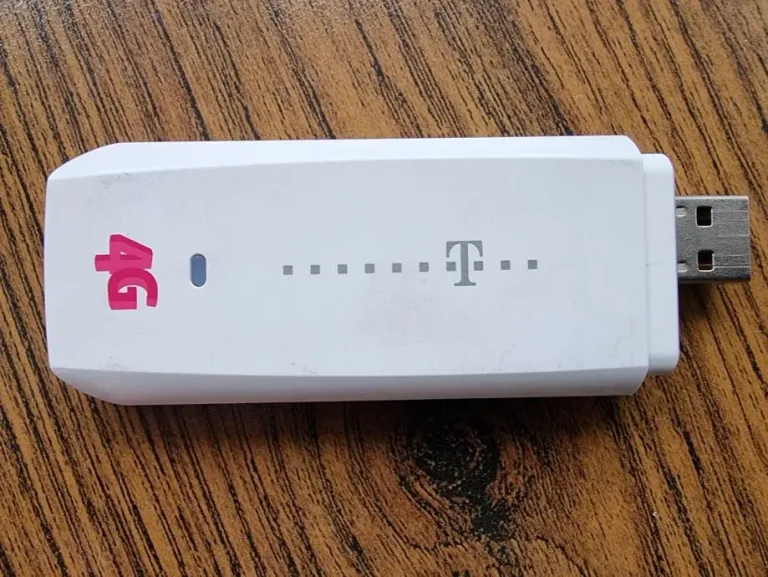
Huawei’s E3xx and K5xxx series are 4G LTE USB modems (dongles) used in laptops and desktop PCs for mobile broadband. Models like the E392, E398, E3276, E3272, K5150, and K5160 were widely distributed by carriers including Vodafone, T-Mobile, Orange, SFR, Swisscom, and Telekom across Europe.
Table of Contents
These modems ship carrier-locked and can be unlocked with a V4 or V5 code depending on firmware version.
Supported Models
| Model Group | Sub-Models | Network |
|---|---|---|
| E392 | E392-12, E392-21, E392-6, E392-92 | LTE Cat 3 |
| E398 | E398-81, E398u-1, E398u-11, E398u-15, E398u-18 | LTE Cat 3 |
| E397 | E397u-53, E397u-56 | LTE Cat 3 |
| E3276 | E3276s-150, E3276s-505, E3276s-601, E3276s-920 | LTE Cat 4 |
| E3272 | E3272s-153, E3272s-210, E3272s-506, E3272s-927 | LTE Cat 4 |
| Others | E323S, UML397, EC3372-871 | LTE Cat 3-4 |
| K-Series | K5005, K5007, K5150, K5160, K5161h | LTE Cat 4-6 (carrier-branded) |
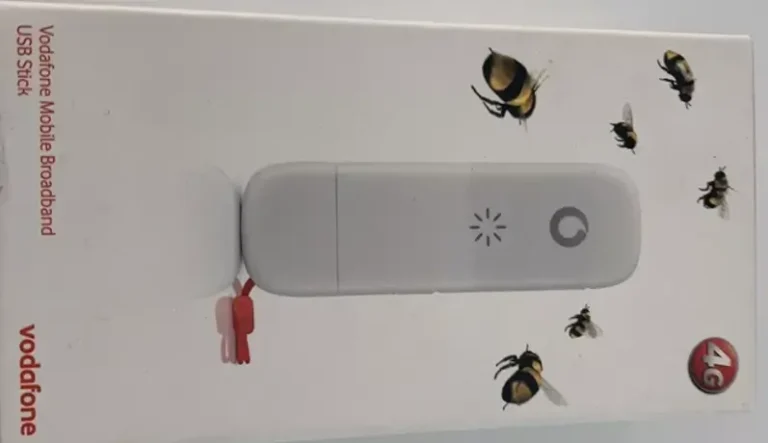
Note: K-series modems (K5005, K5007, K5150, K5160) are carrier-branded versions of Huawei E-series modems sold by Vodafone and T-Mobile.
How to Unlock
Find Your IMEI
- Insert the modem into your computer’s USB port
- Open the Huawei HiLink software or go to 192.168.8.1
- Go to Device Information and copy the 15-digit IMEI
Determine Code Version
- 8-digit code → V4 — Buy V4 Code
- 16-digit code → V5 — Buy V5 Code
Enter the Code
- Insert a non-original SIM into the modem
- The HiLink software or web interface will prompt for a code
- Enter the code — modem is permanently unlocked
Frequently Asked Questions
What are K5150 and K5160?
These are Vodafone-branded Huawei modems. The K5150 is based on the E3276, and the K5160 is based on the E3372. Same hardware, different branding. Our codes work for both.
Is the unlock permanent?
Yes. Permanent through all usage and firmware updates.
Watch: Unlock Demonstration
Get Your Modem Unlocked Today
Contact us — we are available 24/7.