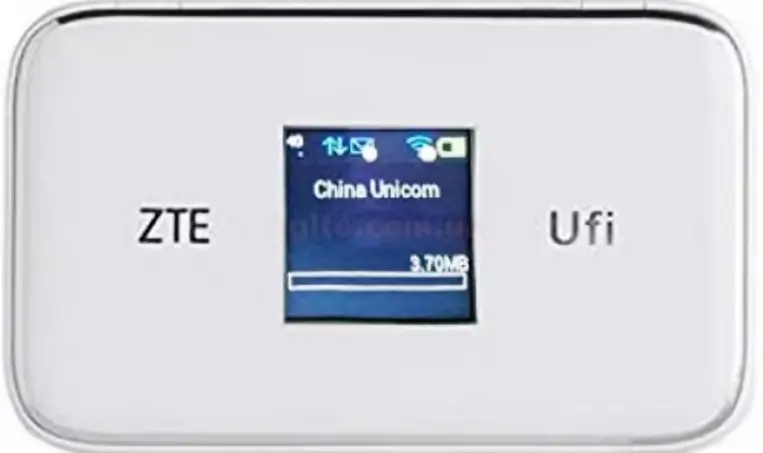
How to Unlock ZTE MF920 4G Mobile WiFi Series (All Models) (2026 Guide)
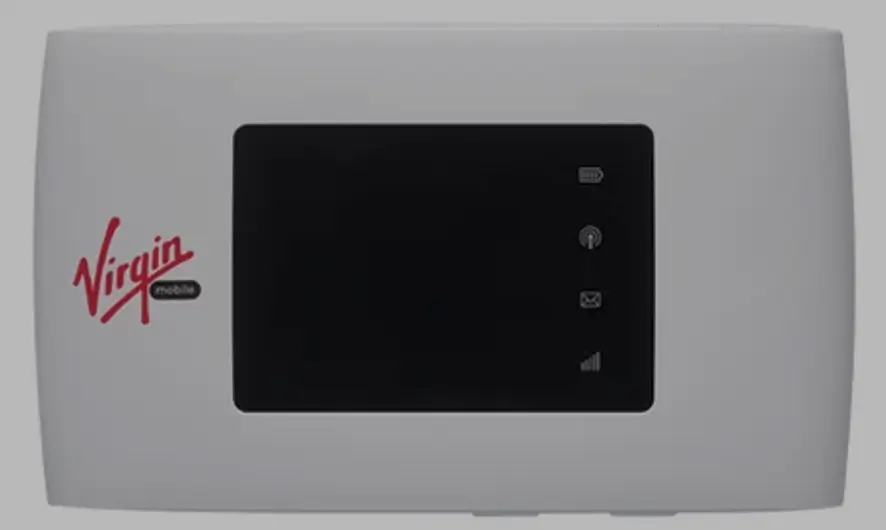
The ZTE MF920 is one of ZTE’s most widely distributed 4G LTE mobile WiFi devices, sold under dozens of model variants across every continent. Models like the MF920A, MF920V, MF920W, 835FT, and MR150-5 are commonly locked to carriers including MTN, Airtel, MegaFon, Beeline, Tele2, and regional carriers in Africa, Russia, and the Middle East.
Table of Contents
Supported Models
| Model | Network | Region |
|---|---|---|
| MF920 / MF920A / MF920N | 4G LTE Cat 4 | Global |
| MF920S / MF920T / MF920T1 / MF920T2 / MF920TS | 4G LTE Cat 4 | Various |
| MF920U / MF920V / MF920V1 / MF920V5 / MF920V1A | 4G LTE Cat 4 | Europe / Russia |
| MF920VS / MF920VS2 / MF920W / MF920W+ | 4G LTE Cat 4 | Various |
| 835FT | 4G LTE Cat 4 | Russia (MegaFon/Beeline) |
| MR150-5 | 4G LTE Cat 4 | Russia (MTS) |
Unlock Methods
The MF920 has two possible unlock methods depending on firmware:
| Method | When |
|---|---|
| Unlock Code | Device prompts for code when foreign SIM inserted |
| Remote Software | Device does NOT prompt (custom carrier firmware) |
Unlock by Code
- Connect via WiFi, go to 192.168.0.1
- Copy 15-digit IMEI
- Go to ZTE Unlock Code page, enter IMEI, pay
- Insert non-original SIM, enter code — permanently unlocked
Remote Unlock
If no code prompt appears, request remote unlocking. Requires Windows PC, USB cable, and AnyDesk.
Frequently Asked Questions
What is the 835FT?
The 835FT is the Russian carrier-branded version of the MF920, sold by MegaFon and Beeline. Same hardware — our codes work.
How do I know if I need code or remote?
Insert a foreign SIM. If it asks for a code, buy a code. If no prompt appears, request remote unlock.
Is the unlock permanent?
Yes. Both methods are permanent.
Watch: MF920 Unlock
Get Your MiFi Unlocked Today
Contact us — we are available 24/7.