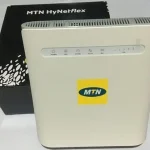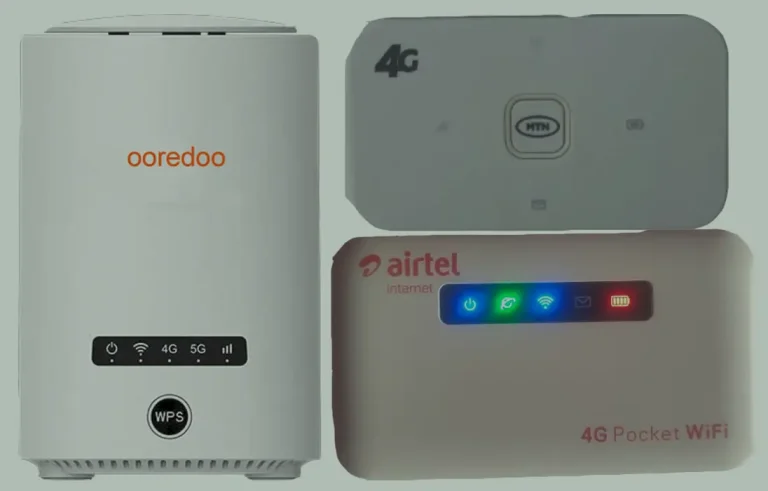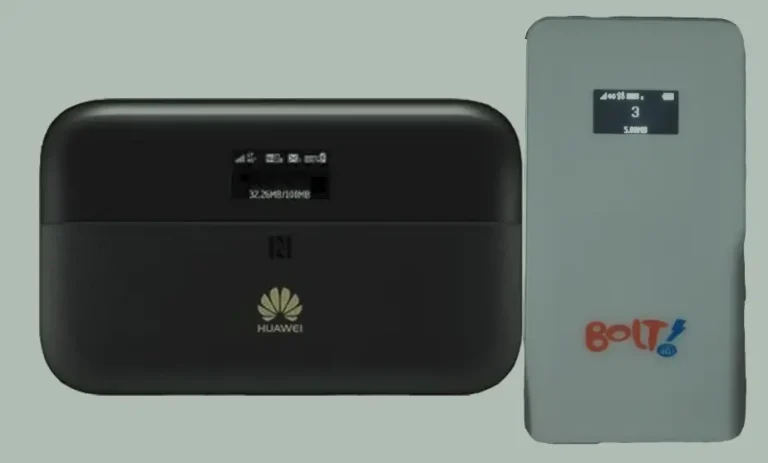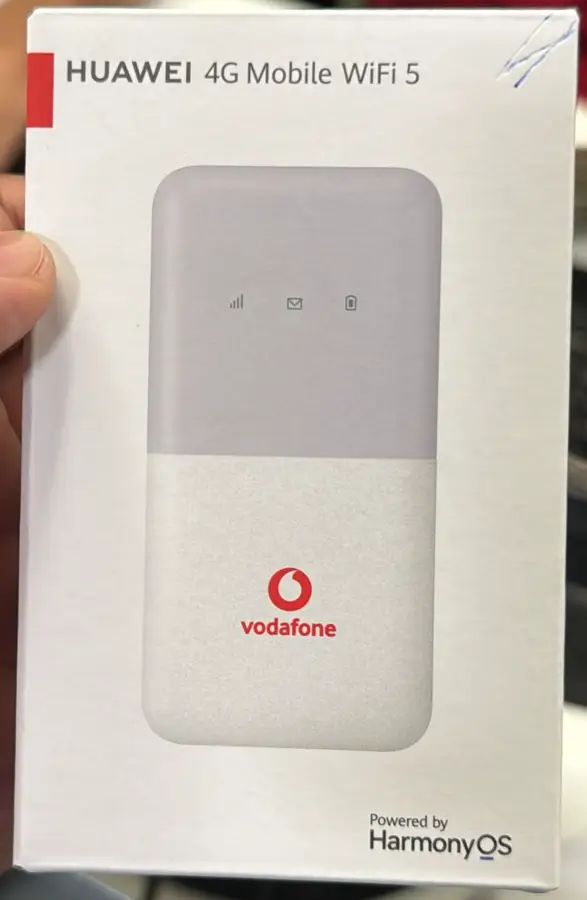
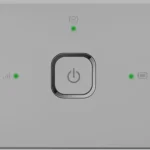
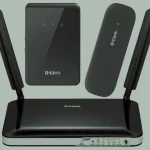
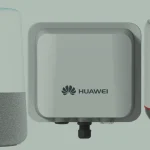
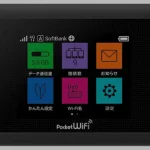
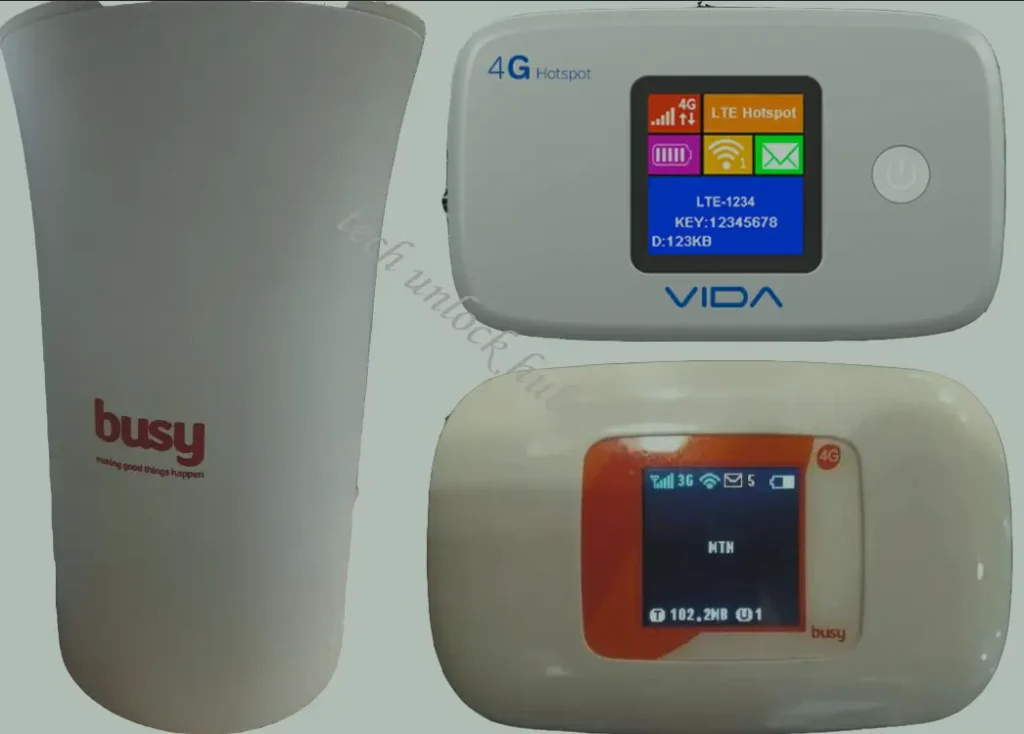
Shanghai Boost Even Technology and Vida Technologies are Chinese manufacturers producing affordable 4G LTE routers and portable MiFi devices. Their products are sold primarily through African carriers including Spectranet (Nigeria), Surfline/Busy Internet (Ghana), Smile (Nigeria/Uganda), MTN, and Airtel.
Table of Contents
The M028T is particularly common in Ghana (sold by Busy Internet/Surfline) and the CPE R02 is widely used by Spectranet in Nigeria. Vida M1, M2, and M4 are found across multiple African countries.
Why These Devices Need Remote Unlocking
Unlike Huawei or ZTE routers that prompt for an unlock code when a foreign SIM is inserted, Shanghai Boost and Vida devices do not have an unlock code interface. Their custom firmware completely suppresses any SIM lock prompt. This means:
- No unlock code prompt — inserting a different SIM shows no option to enter a code
- No web interface unlock page — the admin panel has no carrier unlock section
- Carrier-locked firmware — each carrier receives a custom firmware build
The only way to unlock these devices is through remote software unlocking performed by our technicians via remote desktop.
Supported Shanghai Boost Even Models
| Model | Type | Common Carrier | Key Feature |
|---|---|---|---|
| M028 / M028T / M028AT | Portable MiFi | Busy Internet (Ghana), Surfline | Battery-powered, WiFi hotspot |
| M022 / M022T | Portable MiFi | Spectranet, MTN | Compact pocket WiFi |
| M023 / M023T | Portable MiFi | Various | Updated MiFi variant |
| FX PR1 | Indoor CPE Router | Various | Home broadband |
| FX PR2 / FX PR2L | Indoor CPE Router | Various | 2x Ethernet, 32 WiFi devices |
| L02H / L02Hi | Indoor CPE Router | Various | Home/office broadband |
| CPE R02 | Indoor CPE Router | Spectranet (Nigeria) | 2x RJ45 Ethernet, 32 devices, plug-and-play |
Supported Vida Technologies Models
| Model | Type | Common Carrier |
|---|---|---|
| Vida M1 | Indoor CPE Router | Various African carriers |
| Vida M2 | Indoor CPE Router | Various |
| Vida M4 | Indoor CPE Router | Various |
| W101 | Portable MiFi | Various |
| AC 1600 | Indoor CPE Router | Various |
How Remote Unlocking Works
What You Need
- A Windows PC (Windows 10 or 11) with stable internet connection
- An Ethernet cable to connect indoor CPE routers to your PC, or a USB cable for MiFi devices
- Remote desktop software: AnyDesk (recommended), RustDesk, or TeamViewer
Connect Your Device
- Power on your Shanghai Boost or Vida router
- Connect it to your Windows PC:
- CPE Routers (M028, CPE R02, FX PR2, Vida M1): use Ethernet cable
- MiFi devices (M022, M023, W101): use USB cable
- Wait for Windows to detect the device
Start Remote Session
- Open AnyDesk, RustDesk, or TeamViewer on your PC
- Send us your connection ID via WhatsApp or Telegram
- Complete payment on our Remote Unlock page
Unlock Process
- Our technician connects to your PC securely
- Specialized unlock software communicates with the device
- The carrier lock is removed at the firmware level
- Process takes approximately 10 to 20 minutes
- Your device is now permanently unlocked — insert any SIM card
Frequently Asked Questions
My Spectranet CPE R02 is locked — can you unlock it?
Yes. The Spectranet-locked CPE R02 is one of our most commonly unlocked Shanghai Boost devices. We have a 100% success rate with this model.
My Busy Internet M028T from Ghana is locked — can you unlock it?
Yes. The Busy Internet (Surfline) M028T is the most frequently unlocked Shanghai Boost MiFi in our service. 100% success rate.
Why can’t I just enter an unlock code?
Shanghai Boost and Vida devices use custom firmware that does not include an unlock code prompt. Unlike Huawei or ZTE which ask for a code when a foreign SIM is detected, these devices simply refuse the SIM silently. Remote software is the only method.
Is the remote unlock safe?
Yes. You watch the entire process on your screen. Our technician only runs the unlock tool — the session ends immediately when done. You can disconnect at any time.
Is the unlock permanent?
Yes. The unlock persists through power cycles, SIM changes, and factory resets. You will never need to repeat the process.
Can I use a Mac instead of Windows?
Our unlock tools require Windows only. If you don’t have a Windows PC, contact us to discuss alternatives.
Watch: Remote Unlock Demonstration
Get Your Device Unlocked Today
Contact us through any of the channels below — we are available 24/7.