How to Unlock Huawei E5885 & E5578 Mobile Routers (2026 Guide)
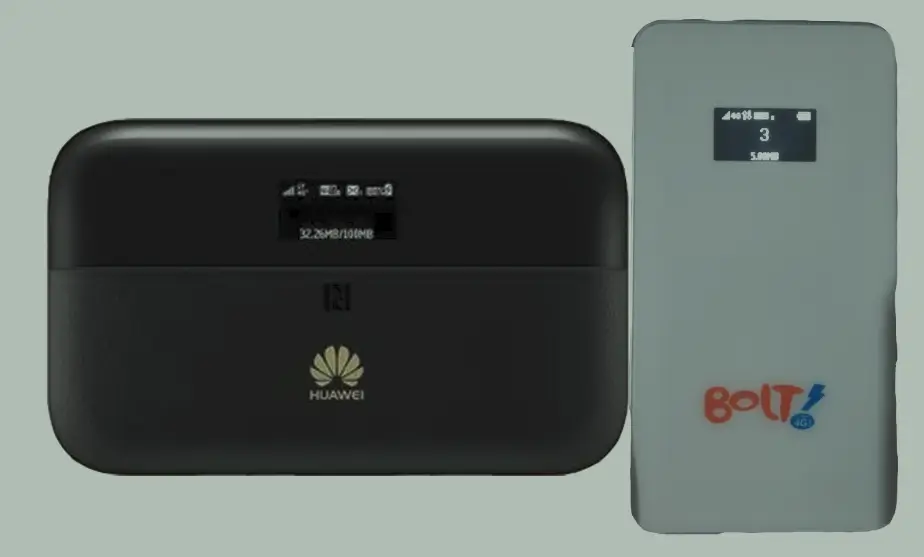
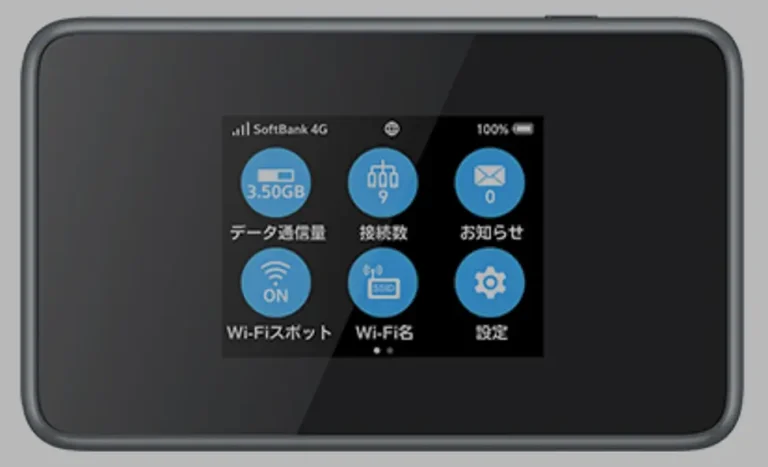
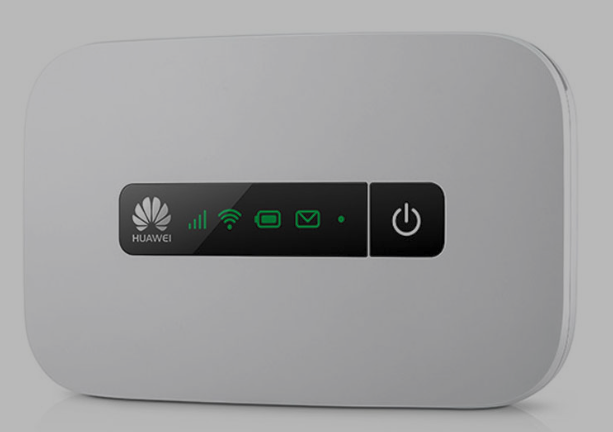
The Huawei E5885 and E5578 are premium 4G LTE mobile WiFi routers with advanced features like RJ45 Ethernet ports (E5885) and touchscreen displays. These devices are commonly locked to carriers like Telekom Germany (E5885Ls-93a), SpectraNet Nigeria, Bolt Indonesia, and MTN Cote d’Ivoire (E5578s-932).
Table of Contents
The unlock method depends on your model: the E5578 uses Version 4 (8-digit code), while the E5885 uses Version 5 (16-digit alphanumeric code). We also offer remote unlocking for specific E5578 firmware versions.
Supported Models
| Model | Common Carrier | Code Version | Code Format |
|---|---|---|---|
| E5885Ls-93a | Telekom Germany | V5 | 16-digit alphanumeric |
| E5578S | Various | V4 | 8-digit numeric |
| E5578s-932 | SpectraNet, Bolt, MTN CI | V4 or Remote | 8-digit or software unlock |
Unlock Method: V4 or V5 Code
Find Your IMEI Number
- Power on the device and connect via Wi-Fi or USB
- Open a browser and go to 192.168.8.1
- Log in with admin / admin
- Go to Device Information and copy the 15-digit IMEI
Purchase Your Unlock Code
- E5578 (V4): Go to Huawei V4 Unlock Code page
- E5885 (V5): Go to Huawei V5 Unlock Code page
Enter the Unlock Code
- Insert a SIM card from a different carrier
- Power on and access 192.168.8.1
- Enter the unlock code when prompted
- Your device is now permanently unlocked
Remote Unlock for E5578s-932 (Specific Firmware)
The E5578s-932 with the following firmware versions can be unlocked remotely via software:
- 21.200.01.03.1151
- 21.316.01.00.334
- 21.200.01.01.1158
This requires a Windows PC, USB cable, and remote desktop software (AnyDesk or TeamViewer). Request remote unlock here.
Frequently Asked Questions
How do I know if my E5578 is V4 or V5?
Insert a non-original SIM card. If the router asks for an 8-digit code, it is V4. If it asks for 16 digits, it is V5. Most E5578 models are V4.
Is the unlock permanent?
Yes. Both code-based and remote unlocks are permanent and survive firmware updates and factory resets.
Can the E5885 Ethernet port be used after unlocking?
Yes. Unlocking only removes the SIM carrier restriction. All device features including the RJ45 Ethernet port, touchscreen, and power bank function remain unchanged.
Watch: Unlock Demonstration
Get Your Router Unlocked Today
Contact us through any of the channels below — we are available 24/7.