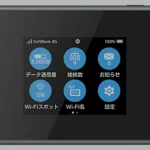
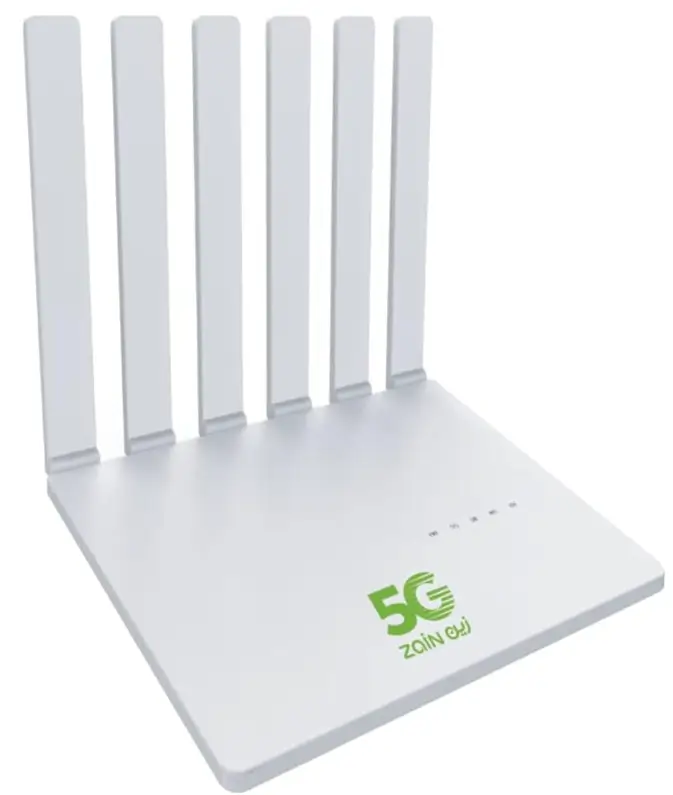
Zain Saudi Arabia sells a series of compact 4G LTE pocket routers under its own brand — most commonly the D5, D5H, and E5. Underneath the Zain badge these are rebadged ZTE / Huawei MiFi devices, locked specifically to the Zain network. Once you leave Saudi Arabia (or want to use a different domestic operator like STC or Mobily), you need an unlock code.
Table of Contents
We pull the unlock code directly from the carrier database tied to your IMEI, so the unlock works on the first try and is permanent.
Why Unlock a Zain Pocket Router?
- Travel-friendly. Drop a local SIM in any country and stay online.
- Lower roaming bills. Avoid Zain’s international roaming rates with a prepaid local data SIM.
- One-time fee, permanent unlock. No subscription. Firmware updates won’t relock it.
- No physical modification. Just enter the code into the admin page or web UI when prompted.
Supported Zain KSA Models
| Model | Type | Underlying OEM |
|---|---|---|
| Zain D5 | 4G LTE pocket MiFi | ZTE / Huawei MF-series chassis |
| Zain D5H | 4G+ LTE pocket MiFi (D5 hardware refresh) | ZTE / Huawei MF-series |
| Zain E5 | 4G LTE pocket MiFi (Huawei E5-series build) | Huawei E5-series chassis |
How to Unlock — Step by Step
- Get the IMEI. Print it from the router’s web UI (usually
192.168.0.1or192.168.8.1), or read it from the sticker under the battery. - Submit the IMEI on our Zain KSA Router Unlock page — we’ll quote the price and delivery time.
- Pay using card, mobile money, Binance Pay, or crypto.
- Receive the unlock code by email — usually within 24-48 hours.
- Insert a non-Zain SIM — the router will ask for the code. Enter it, restart, done.
Pricing & Delivery
Zain database unlocks are among the most affordable in the region. Submit your IMEI for the live quote and ETA — most orders land within a day. We refund automatically if a code can’t be sourced.
FAQ
Will I lose Zain coverage after unlocking?
No. The Zain SIM continues to work normally — unlocking only adds support for other operators’ SIMs.
Does the unlock survive a factory reset?
Yes. The unlock is written to a permanent area of the modem firmware and is preserved across factory resets and software updates.
My model isn’t D5 / D5H / E5 — can you still help?
Yes — Zain has rebadged several other devices over the years. Submit the IMEI and we’ll confirm if a code is available.
Get Your Zain Router Unlocked Today
Contact us — we are available 24/7.