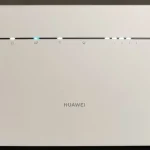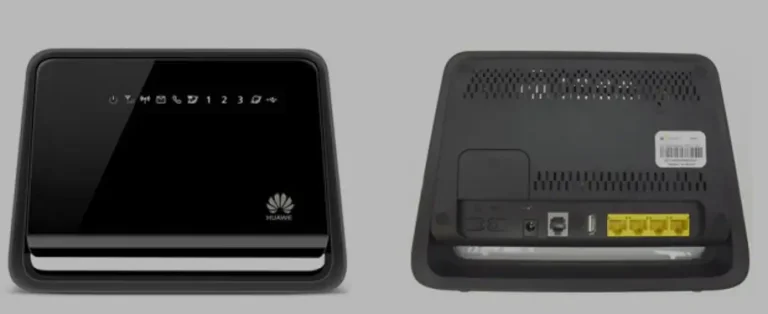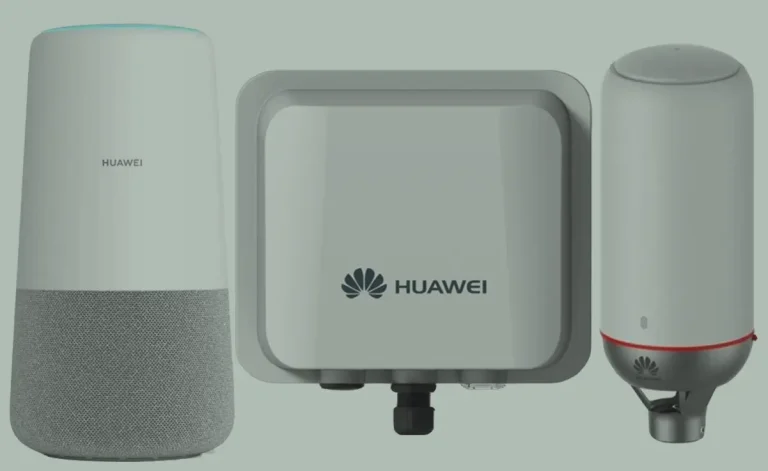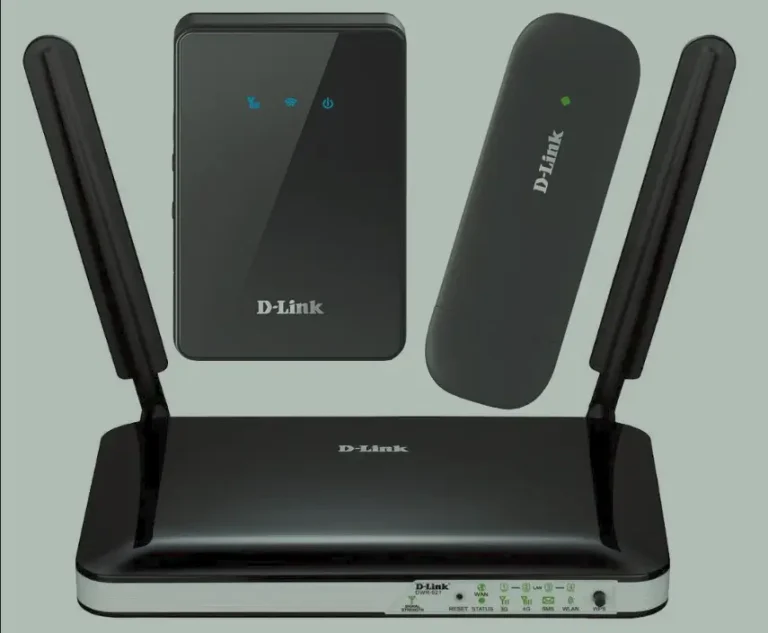
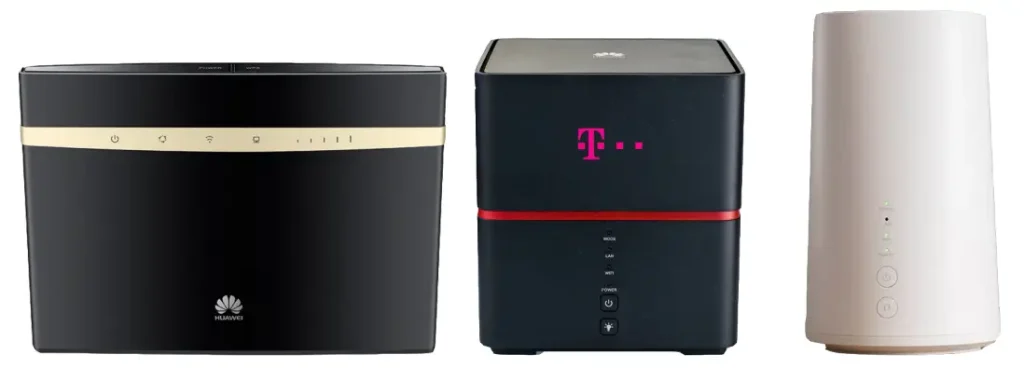
The Huawei B520, B522, B525, B528, and B529 are 4G LTE Advanced Cat6 routers designed for home and office broadband, delivering download speeds up to 300 Mbps with carrier aggregation. These devices feature dual-band Wi-Fi ac, Gigabit Ethernet ports, and support for up to 64 connected devices.
Table of Contents
Carriers like Vodafone (Giga Cube), T-Mobile, EE, Three, Orange, Zain, and STC sell these routers locked to their network. The B528s-23a is widely known as the Vodafone Giga Cube. Unlocking requires a Version 5 (V5) unlock code.
Supported Models
| Model | Category | Max Speed | Key Feature |
|---|---|---|---|
| B520 / B520S / B520s-93a | LTE Cat 6 | 300 Mbps | Dual-band Wi-Fi, 4 Ethernet ports |
| B520s-65a / B520s-95a | LTE Cat 6 | 300 Mbps | Regional variants |
| B522 / B522s | LTE Cat 6 | 300 Mbps | Compact design variant |
| B525 / B525s-23a | LTE Cat 6 | 300 Mbps | Most popular model, Wi-Fi ac, 64 devices, USB + RJ11 phone port |
| B528 / B528s-23a | LTE Cat 6 | 300 Mbps | Vodafone Giga Cube, premium design |
| B529 / B529s-23a | LTE Cat 6 | 300 Mbps | Built-in 3,000 mAh battery (portable), T-Mobile exclusive |
Key Specifications
| Spec | Details |
|---|---|
| Network | 4G LTE Cat 6 (300 Mbps down / 50 Mbps up) |
| LTE Bands | B1/3/4/5/7/8/19/20/26/28/32/38/40/41 |
| Wi-Fi | 802.11ac dual-band (2.4 GHz + 5 GHz) |
| Ethernet | 4x RJ45 ports (1x Gigabit WAN/LAN) |
| Other Ports | 1x USB 2.0, 1x RJ11 phone port, 2x SMA antenna |
| Max Devices | 64 via Wi-Fi + 4 via Ethernet |
How to Unlock Your Huawei B520/B525/B528
Find Your IMEI Number
- Connect to the router via Wi-Fi or Ethernet cable
- Open a browser and go to 192.168.8.1
- Log in with admin / admin
- Go to Device Information and copy the 15-digit IMEI
- Alternatively, check the label on the bottom of the router
Purchase Your V5 Unlock Code
- Go to our Huawei V5 Unlock Code page
- Enter your IMEI number and email address
- Complete the payment — your 16-digit V5 code will be delivered to your email
Enter the Unlock Code
- Power off the router and insert a non-original SIM card
- Power on and go to 192.168.8.1
- The web interface will prompt for an unlock code
- Enter the 16-digit V5 code and click Apply
- Your router is now permanently unlocked
Configure APN Settings (If Needed)
- Go to Settings > Network > APN
- Create a new APN profile with your carrier’s details
- Save and restart the router
Frequently Asked Questions
What is the Vodafone Giga Cube?
The Vodafone Giga Cube is the carrier-branded version of the Huawei B528s-23a. It has the same hardware as the B525 with a different casing design. Our V5 codes unlock both models.
Can the B529 be used as a portable router?
Yes. The B529s-23a is the only model in this series with a built-in 3,000 mAh battery, providing 8–10 hours of portable use. All other B5xx models require mains power.
Is the unlock permanent?
Yes. The V5 unlock is permanent and survives firmware updates, factory resets, and SIM changes.
Can I use the phone port (RJ11) after unlocking?
Yes. Unlocking only removes the SIM carrier restriction. All features including the RJ11 VoLTE phone port, Ethernet ports, USB port, and external antenna connectors remain fully functional.
Watch: B525 Unlock Demonstration
Get Your Router Unlocked Today
Contact us through any of the channels below — we are available 24/7.