













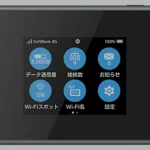
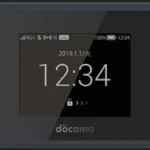
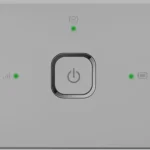
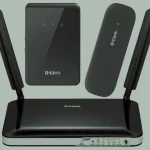
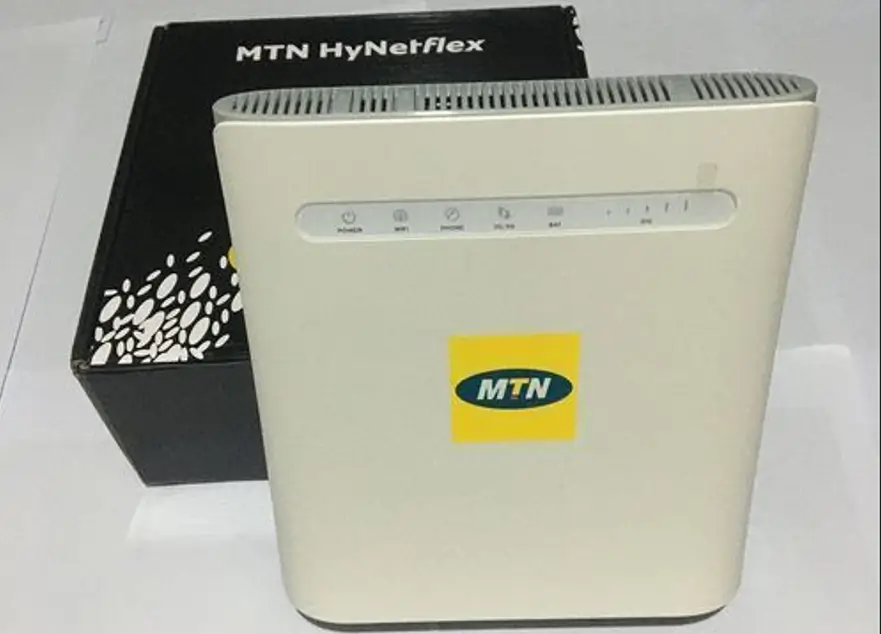
ZTE’s MF28x series is one of the most extensive lineups of 4G LTE indoor CPE routers available, deployed by carriers across Europe, the Middle East, Africa, and Asia Pacific. Models like the MF283, MF285, MF286, MF287, MF288, and MF289 provide home broadband via 4G with Ethernet ports, Wi-Fi, and external antenna support.
Table of Contents
These routers are typically locked to the original carrier and can be unlocked with an unlock code or via remote software (for models with custom firmware that suppresses the code prompt).
Supported ZTE Router Models
| Model | Type | Network |
|---|---|---|
| MF28 / MF28B / MF28D / MF28G | Indoor CPE | 4G LTE |
| MF283 / MF283+ / MF283U / MF283V | Indoor CPE | 4G LTE Cat 4 |
| MF282 / 3HUITube | Indoor CPE | 4G LTE |
| MF275 / MF275R / MF275U / 3 WebGate | Indoor CPE | 4G LTE |
| MF285 / MF285S / MF285R | Indoor CPE | 4G LTE Cat 6 |
| MF286 / MF286A / MF286C / MF286D | Indoor CPE | 4G LTE Cat 6/12 |
| MF287 / MF287+ | Indoor CPE | 4G LTE Cat 6 |
| MF288 / MF289D / MF289F | Indoor CPE | 4G LTE Cat 12/13 |
| MF256 / WF830 | Indoor CPE | 4G LTE |
| MF279 / MF279T | Indoor CPE | 4G LTE (AT&T) |
| MF293N / MF293N2 / MF29T / MF29S2 | Indoor CPE | 4G LTE Cat 12 |
| MF253 / MF25D / MF296C | Indoor CPE | 4G LTE |
| MF993 | Indoor CPE | 4G LTE |
Unlock Methods
ZTE routers have two possible unlock methods depending on the firmware:
| Method | When to Use | How It Works |
|---|---|---|
| Unlock Code | Router prompts for code when foreign SIM inserted | Enter the code in the web interface at 192.168.0.1 or 192.168.1.1 |
| Remote Software | Router does NOT prompt for code (custom carrier firmware) | Our technician unlocks via AnyDesk/TeamViewer |
Unlock by Code
Find Your IMEI Number
- Connect to the router via Wi-Fi or Ethernet
- Open a browser and go to 192.168.0.1 or 192.168.1.1
- Log in and go to Device Information
- Copy the 15-digit IMEI number
Purchase and Enter Code
- Go to our ZTE Unlock Code page
- Enter your IMEI and email, complete payment
- Insert a non-original SIM, power on
- Enter the code when prompted and click Apply
Remote Software Unlock
If your ZTE router does not prompt for a code, request a remote unlock. You will need a Windows PC, Ethernet cable, and AnyDesk or TeamViewer.
Frequently Asked Questions
How do I know if my router needs code or remote unlock?
Insert a non-original SIM and power on. If the web interface asks for an unlock code, use the code method. If it does not prompt, you need remote software unlocking.
Is the unlock permanent?
Yes. Both code and remote unlocks are permanent.
What is the default IP for ZTE routers?
Most ZTE routers use 192.168.0.1 or 192.168.1.1. Check the label on your device.
Watch: ZTE Router Unlock Demonstration
Get Your ZTE Router Unlocked Today
Contact us — we are available 24/7.

2 Comments
добрый день.у меня есть 200 роутеров mf28d.все заблокированны.есть способ их разблокировать и сколько это стоит?
Да, их можно разблокировать. Просто напишите мне в whatsapp +233555220441 или в telegram @techunlockhub